
Updated October 2026 — dead sources removed, every remaining link re-tested.
Clouds are the fastest way to add depth to a flat composite: a soft layer behind a subject, a thin veil of fog over a landscape, or a dramatic sky that replaces a dull photograph. Photoshop’s default brushes can do it, but a dedicated cloud set gives you softer edges, better volume and far less stamping.
Below are 15 free cloud brush sets — roughly 40+ brushes once you count the individual tips — for skies, fog, smoke and overlays. Most are free for personal and commercial use; check each source page before client work.
How to install cloud brushes in Photoshop
- Download the .abr file from the source link.
- In Photoshop, open Window > Brushes.
- Open the panel menu and choose Import Brushes, then select the file.
Dragging the .abr file directly onto the canvas works too. On Photoshop for iPad, use the Brushes panel menu and choose Import Brushes.
How to use cloud brushes without a fake look
- Build in layers. Start with one large, low-opacity cloud for shape, then add smaller, sharper clouds for detail.
- Match the light. Clouds are lit from the same direction as the scene. Flip the brush (Edit > Transform) if the highlights land on the wrong side.
- Use a soft eraser. Real clouds fade at the edges; erase the bottoms of your stamps at 30% opacity.
- Sample real colours. A cloud at sunset is not white — it picks up pink in the highlights and blue-grey in the shadow.
- Keep opacity low. 15–40% per stamp builds volume; one heavy stamp looks like a sticker.
15 free Photoshop cloud brush sets
1. 15 Photoshop Cloud Brushes
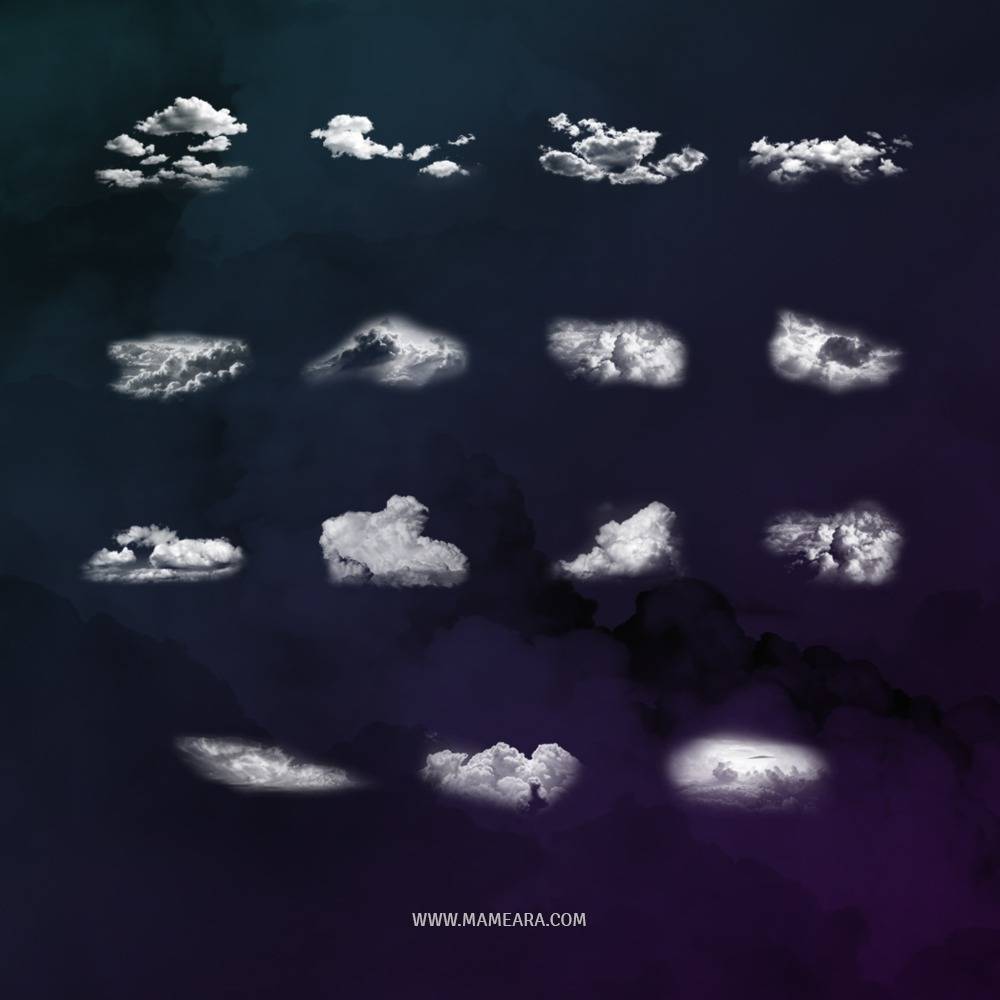
A compact set of high-resolution clouds for quick sky replacements. Our own roundup of the set, with a preview of all 15 tips.
2. Javier ZHX Cloud Brushes
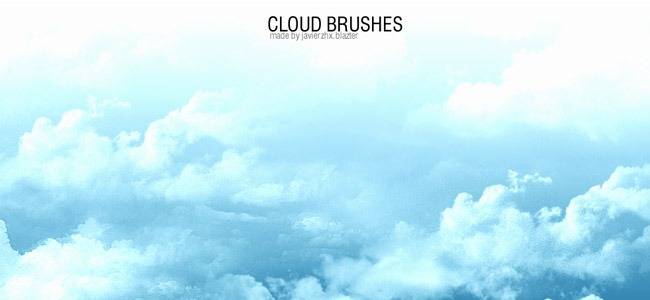
One of the oldest sets on DeviantArt and still one of the most downloaded. Soft, natural cumulus shapes that work well at large canvas sizes.
3. Real Cloud Brushes
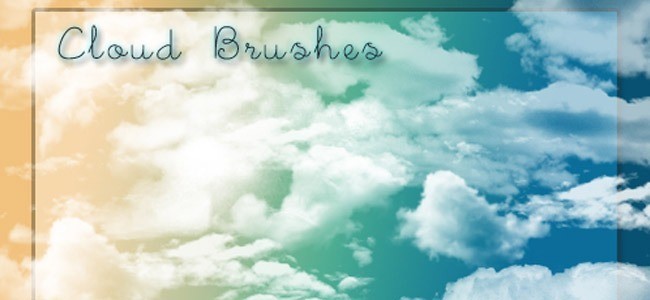
Photographic cloud stamps with realistic edges. Best for matte paintings and photo composites where you need a believable sky fast.
4. Cloud Brushes ver.1
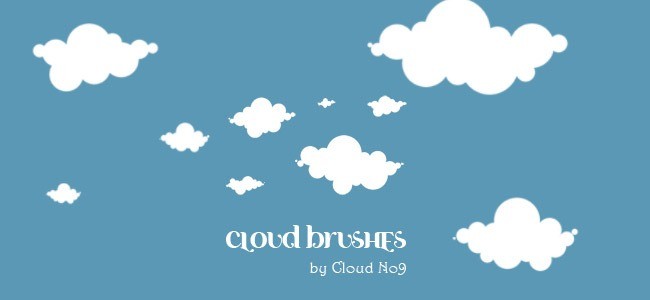
A broad set with both wispy and dense clouds. Useful as a general-purpose sky brush for illustration and concept art.
5. Cloud Brushes by Rose Cabriolet
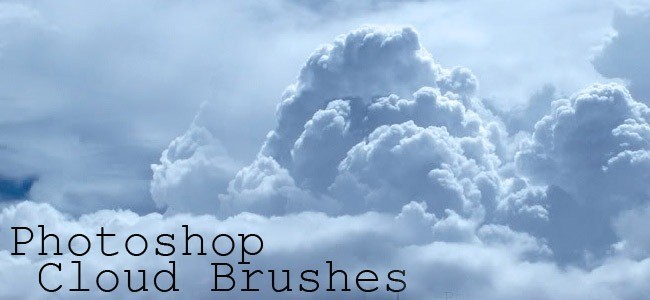
Soft, rounded clouds with a painterly edge. Good for stylised backgrounds rather than photoreal composites.
6. 22 Cloud Brushes
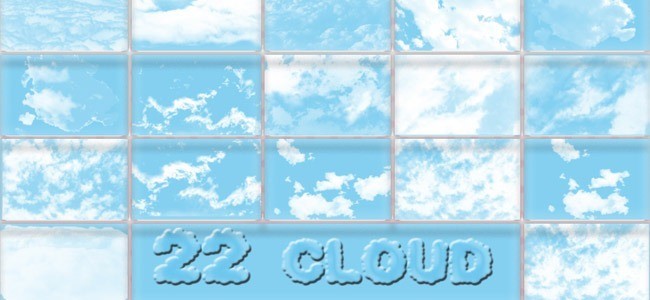
A generous set of 22 tips, from thin streaks to heavy storm clouds. A good first download if you want variety.
7. Cloud 3D Brushes
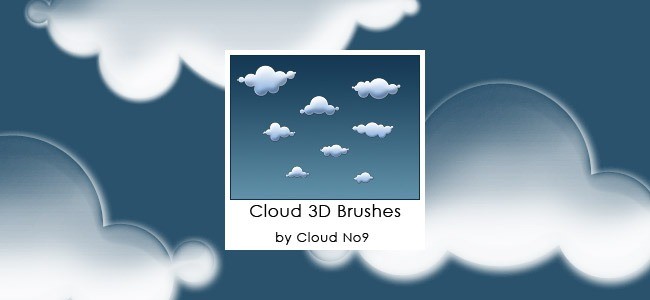
Chunky, volumetric clouds with strong form. Use them when the cloud itself is the subject, not just background texture.
8. My Cloud Brushes
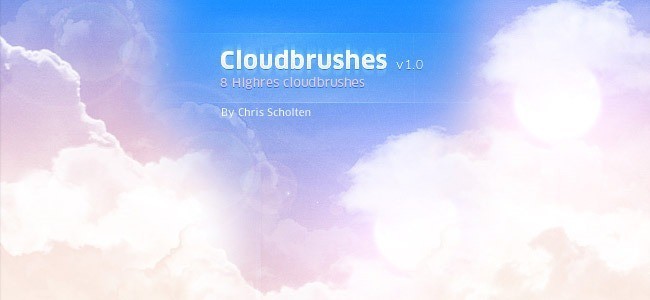
A small, hand-made set with soft edges. Nice for adding haze around mountains and architecture.
9. Cloud Brushes Set 03
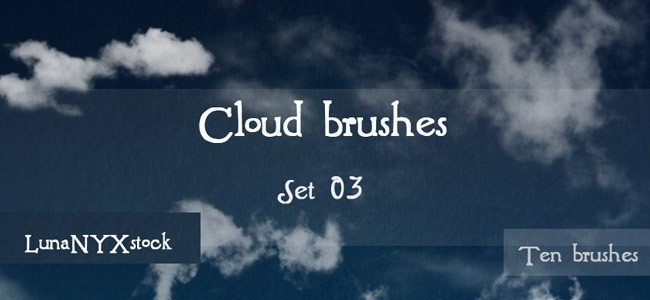
Broader, flatter clouds for horizon lines and wide landscapes. Pairs well with a gradient sky.
10. 24 Clouds Photoshop Brushes
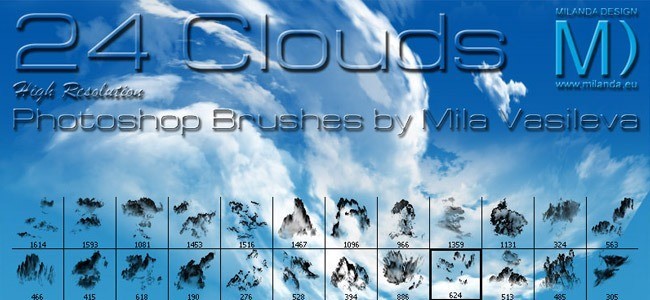
24 photographic cloud shapes, including several dramatic storm formations. Good value for a single download.
11. SilkAssassin’s Cloud Brushes
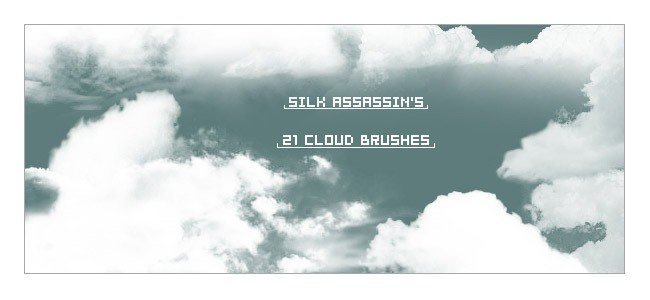
Fine, wispy clouds for high-altitude skies and subtle texture. Works best at low opacity.
12. 120 Clouds PS Brushes
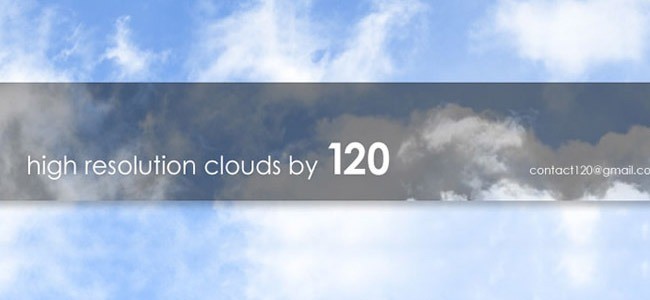
A large library of cloud shapes for when you need something specific — thin cirrus, heavy cumulus, storm fronts.
13. 25 High-Resolution Cloud Brushes
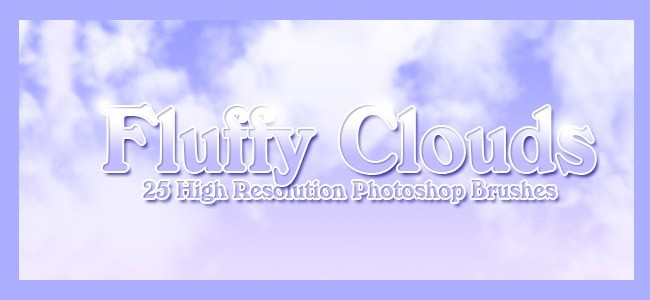
High-resolution photographic clouds for print work and large canvases. Check the license on the source page.
14. Cloud Abstract Set
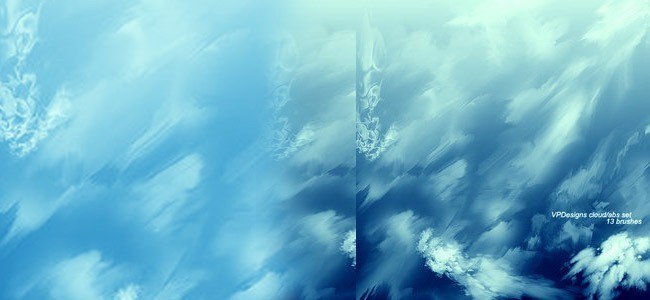
Abstract, smoke-like cloud shapes. Better for textures, overlays and atmospheric effects than literal skies.
15. Clouds Brushes 1
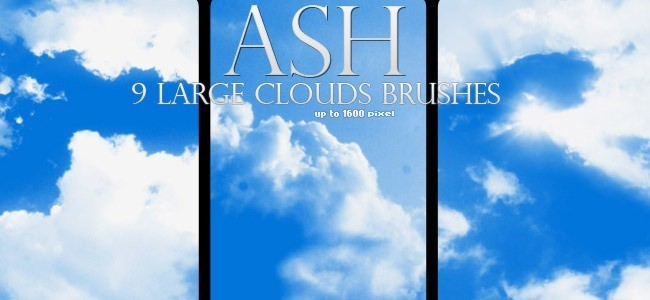
A compact set of soft cloud stamps. Simple, reliable and easy to tint for sunset palettes.
16. Clouds, Brushes and Shapes
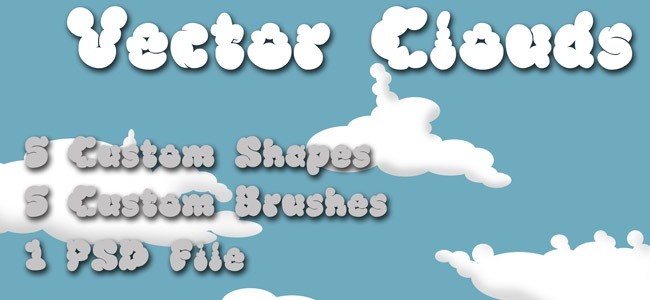
A mixed pack of clouds and cloud-shaped silhouettes, useful for blocking in a composition before painting detail.
17. 123FreeBrushes Clouds
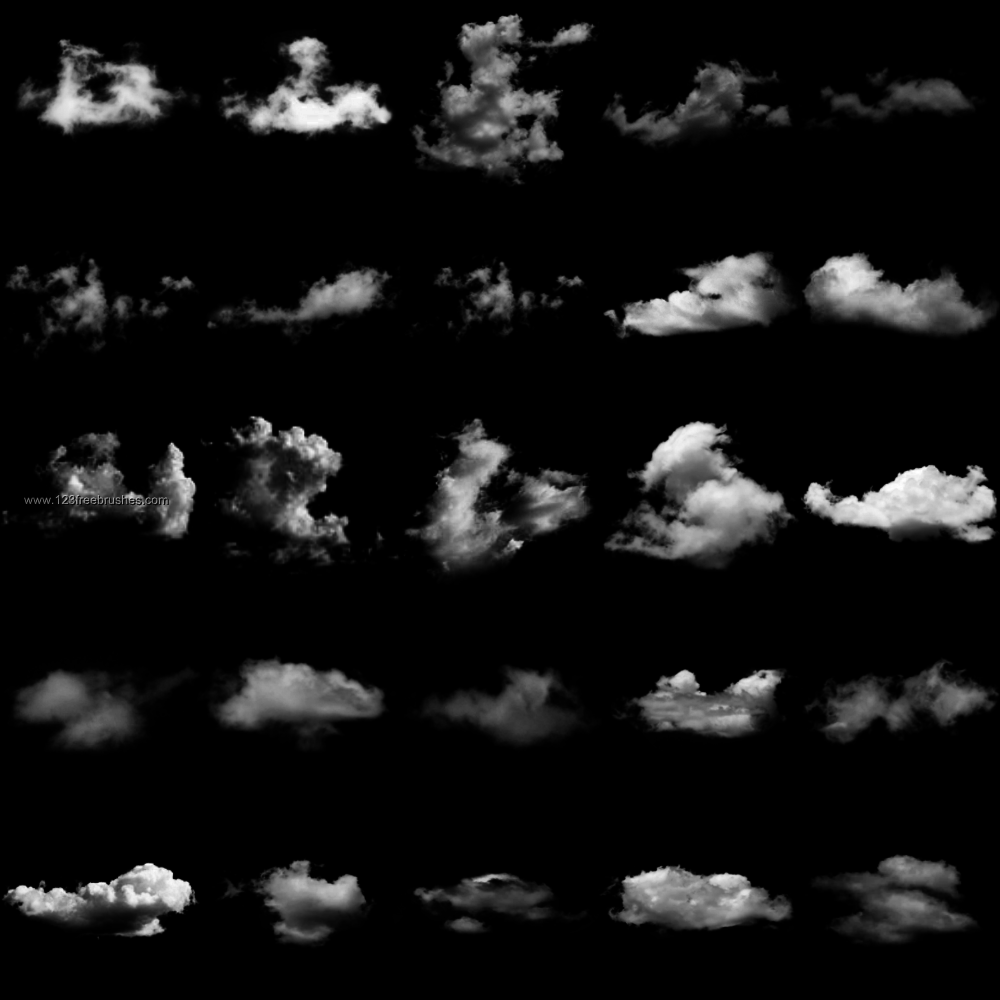
A modern set of high-resolution cloud brushes with a commercial-friendly license. Worth checking if the older sets feel too soft.
Download from 123FreeBrushes →
FAQ
Are these cloud brushes free for commercial use?
Most DeviantArt sets allow personal use and many allow commercial use, but each artist sets their own terms. Check the description on the source page before using a brush in paid work.
Do cloud brushes work in Photoshop Elements or GIMP?
Photoshop Elements can import .abr files through the Brushes panel. GIMP 2.10+ supports .abr import with some limitations on brush dynamics.
Why do my clouds look like stamps?
Usually because the brush is too opaque and the edges are too hard. Lower the opacity to 20–40%, vary the size, rotate the brush and erase the bottom edge.
More free brushes
Pair clouds with watercolor and ink brushes for atmospheric landscapes, add grunge brushes for texture, or browse free Photoshop patterns. More sets in the brush archive.
Brett Widmann
January 27, 2011 at 3:45 amThese are very nice brushes! Thank you.
Dominic
February 25, 2012 at 6:39 amVery beautiful and helpful thanks !!
Sisir
August 24, 2012 at 11:03 amGood collection. Thanks!
Alma bella
August 31, 2012 at 3:30 amamazing clouds
spiralynelina
December 8, 2012 at 4:31 pmThank you. These are great!
Sunil Kumar Pradhan
February 22, 2013 at 8:34 pmThanks a lot!!! i was searching for cloud brushes…but here i got more than my expectation….wow!!!!….thanks….
Tamara
April 25, 2016 at 6:42 pmThank you!