
Minimal wallpapers are a constraint problem: almost nothing on the screen, and everything still has to feel intentional. The 15 pieces below solve it with negative space, one accent and a horizon line.
They were made for 1080p, but the compositions scale. Crop, don’t stretch, and keep the focal point away from the dock.
15 minimalist desktop wallpapers
As designers, we tend to love things that are new. We often get bored with old, tired designs and we can really appreciate fresh, new visuals in their place. This is true of website and blog designs, the artwork that we have on our walls, and if you’re anything like me the desktop wallpaper that you have on your computer. Changing your desktop wallpaper often can help to keep you visually stimulated, creative, and interested particularly if you work on your computer all day long.
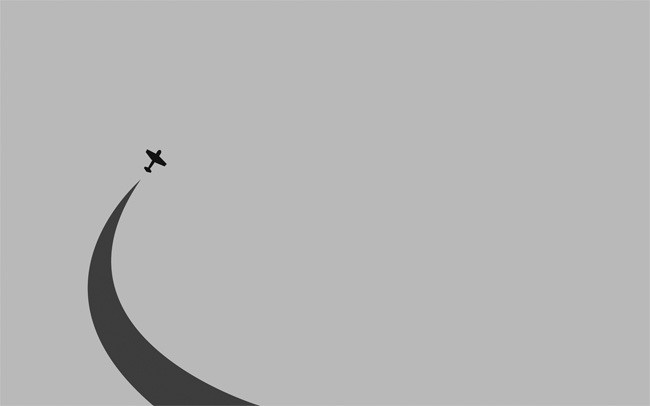
We’ve brought together a collection of beautifully designed desktop wallpapers that all have a minimalist feel. They’re not cluttered and they’re not noisy, which all works to help create a calm, tranquil and relaxing environment for you to work. We hope you enjoy them as much as we’ve enjoyed using them.



About Author:
Alex writes for Print Express who specializes in posters, flyers & brochure printing. In his spare time, he studies web & graphic design and tries to get better at using Photoshop.
What makes a minimal wallpaper work
- Negative space with a job. Empty area is where your windows and icons live, not just where the designer ran out of ideas.
- One accent. A single warm shape on a cool field reads at a glance; three accents read as noise.
- Edges that frame. A horizon, a gradient or a soft vignette gives the screen a frame without adding detail.
How to use this collection
Use a minimal wallpaper when you need focus, and switch to something busier when the desktop is mostly a launcher. Pair it with dark mode and a single accent colour from the image; more inspiration in the wallpapers archive.
FAQ
Do minimalist wallpapers work on ultrawide screens?
Yes, if the focal point stays near the centre and the edges are quiet. Crop from the sides rather than scaling up.
Light or dark minimalist wallpaper?
Match your UI: light wallpapers for light mode, deep neutrals for dark mode. Mid-grey is the safest if you switch often.
All designs remain the property of their creators. If you own one and want it removed, contact us.


khalilo
November 21, 2012 at 4:41 pmvery Nice