
In these tutorials you will learn new ideas of how to create photo manipulation in Photoshop to use them in next design. follow the steps of these tutorials there are new techniques. hope you learn more!
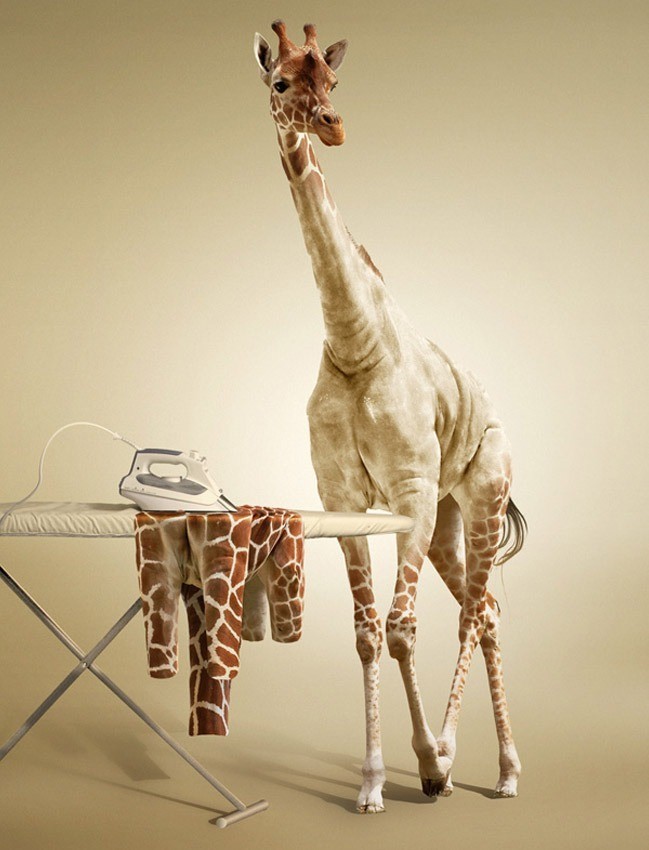
Undress a Giraffe in Photoshop
 View tutorial
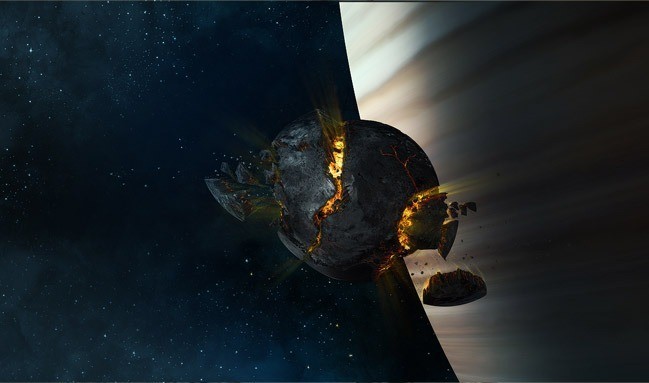
Create an Exploding Moon Orbiting a Gas Giant
 View tutorial
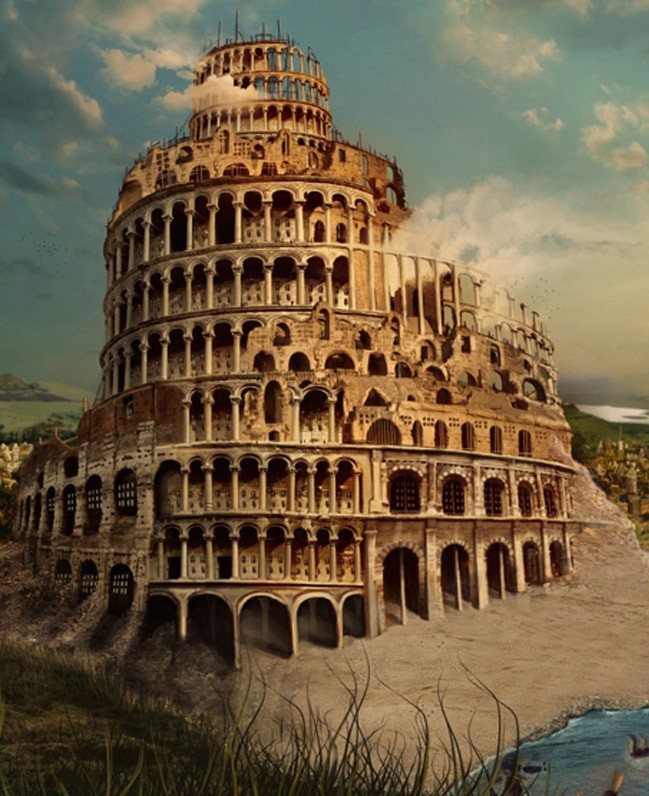
The Babel Tower
 View tutorial
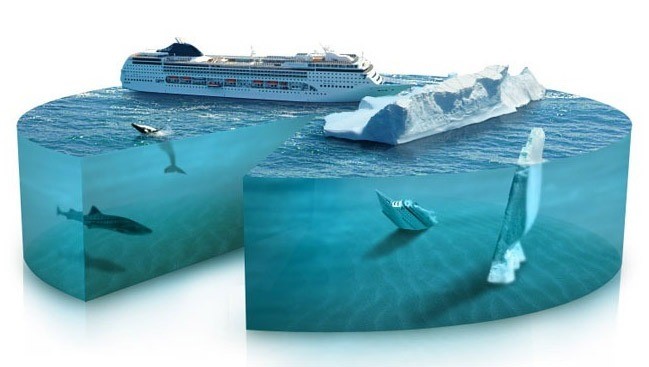
�Piece of the Artic� Pie Chart
 View tutorial
Serene Fantasy
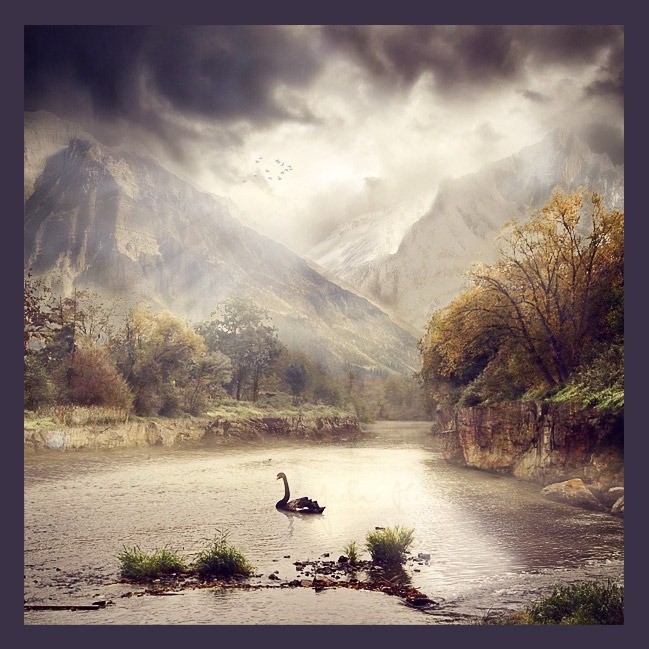 View tutorial
Super Slick Lighting Effects
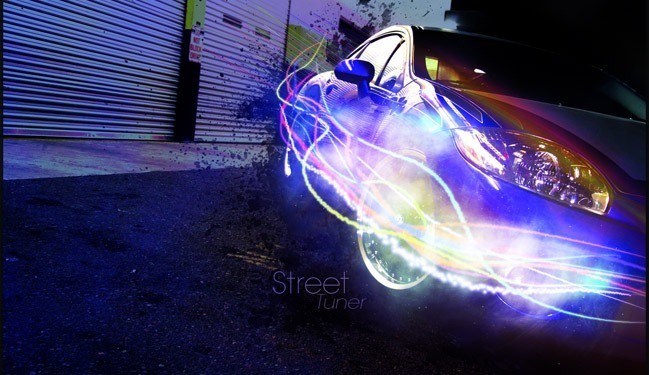 View tutorial
Surreal Space-Age Landscape
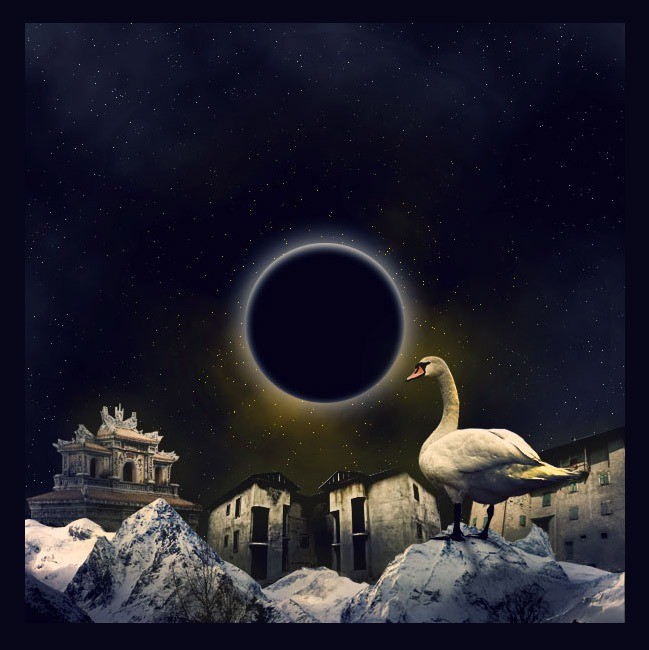 View tutorial
Super Slick Dusky Lighting Effects in Photoshop
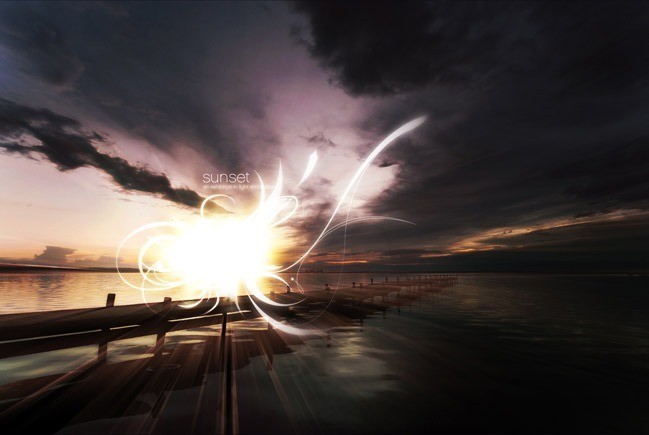 View tutorial
Dramatic Meteor and Burning City
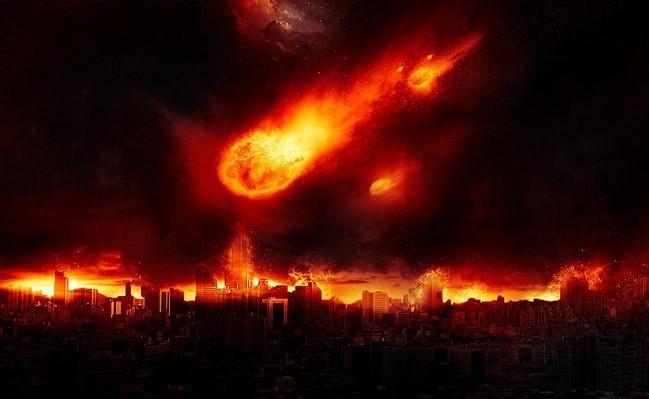 View tutorial
Incredible Story Coming Alive Fantasy
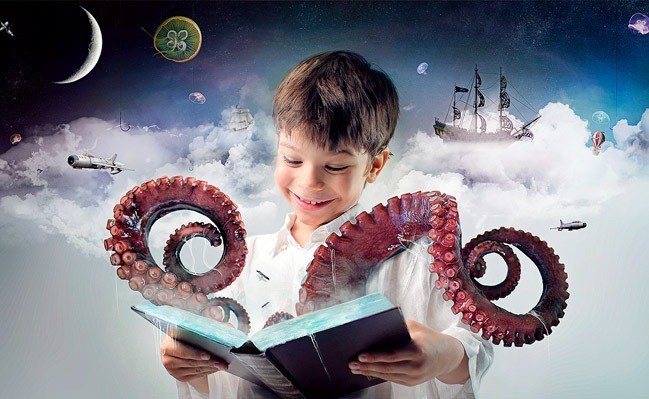 View tutorial
A Life Of Aquatic Sounds
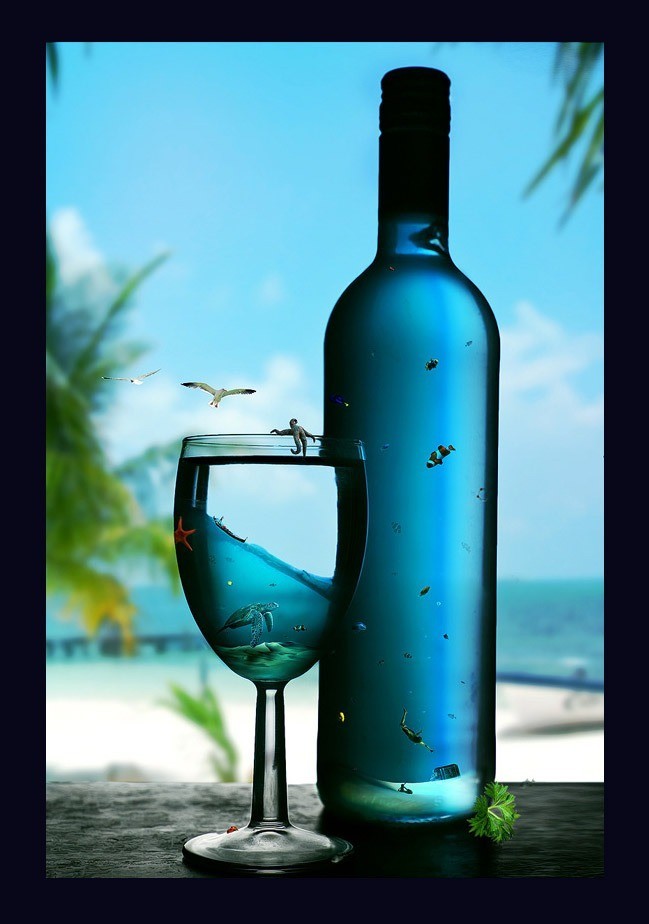 View tutorial
Surreal Cover Art Illustration
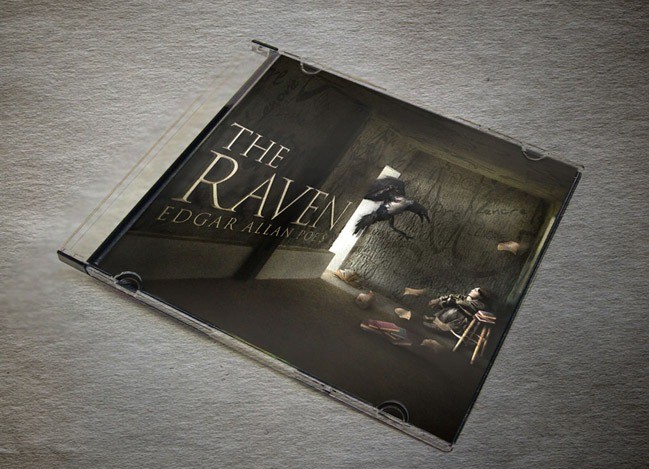 View tutorial
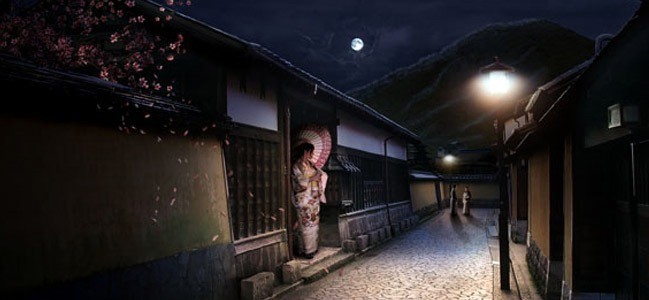
Sleepy Japanese Village
 View tutorial
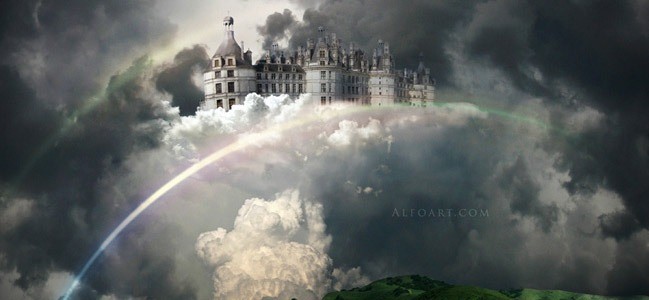
Castle in the Sky
 View tutorial
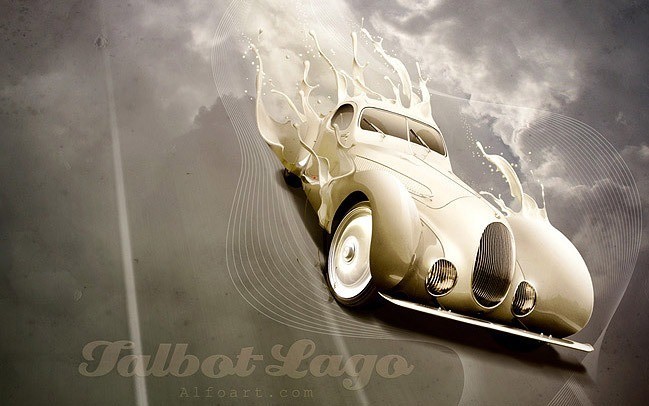
Luxury retro car poster with paint splashing effect
 View tutorial
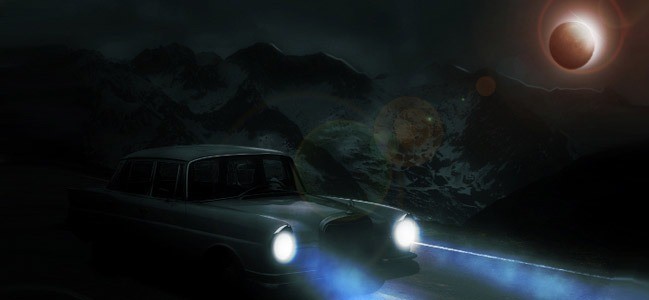
Moonlit Night Scene
 View tutorial
Transform a Photo into Chinese Painting
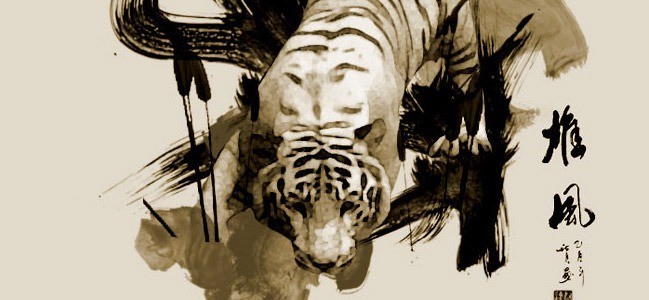 View tutorial
Fairy night. Beanstalk
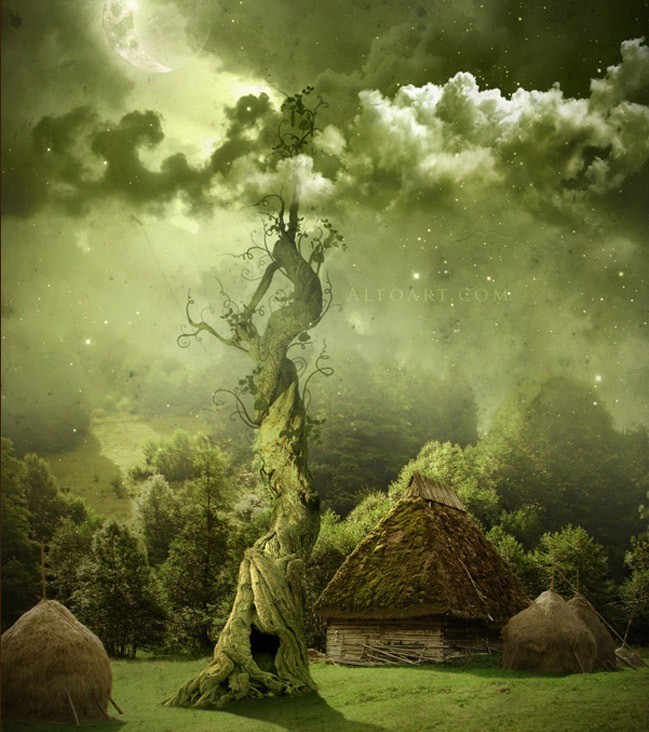 View tutorial
Book of Magical Playground Scene
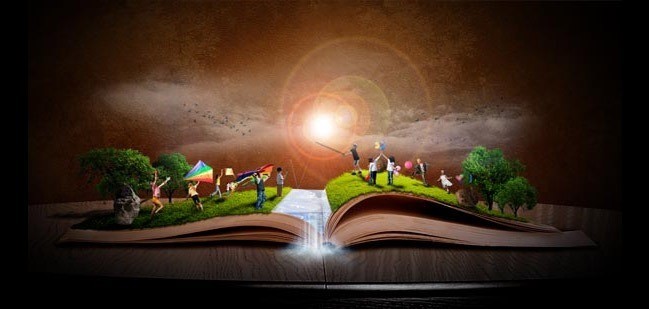 View tutorial


Markus
January 27, 2011 at 7:05 pmOutstanding advice! I have been previously looking for something like this for a long time now. Thank you!
Tutorial Lounge
April 4, 2011 at 9:03 amuseful listing you sharing. thanks
votersfirstact.com
December 16, 2011 at 8:29 pmMany ways to do photo manipulation, now many online services that provide services for photo manipulation, but I prefer to use Photoshop to perform manipulation. Photoshop tutorials are very interesting to learn. With Photoshop, we can create to generate a variety of photo looks more attractive.