
Updated September 2026 \u2014 the 2013 list retired; every example below is live and verified.
There was a time when designers feared the scroll and crammed everything above the fold. Today the scroll is the experience: parallax layers, scroll-driven 3D, sticky storytelling, and reveals timed to the pixel. Here are 10 websites with amazing scrolling effects worth studying \u2014 open each one and scroll slowly.
1. Firewatch
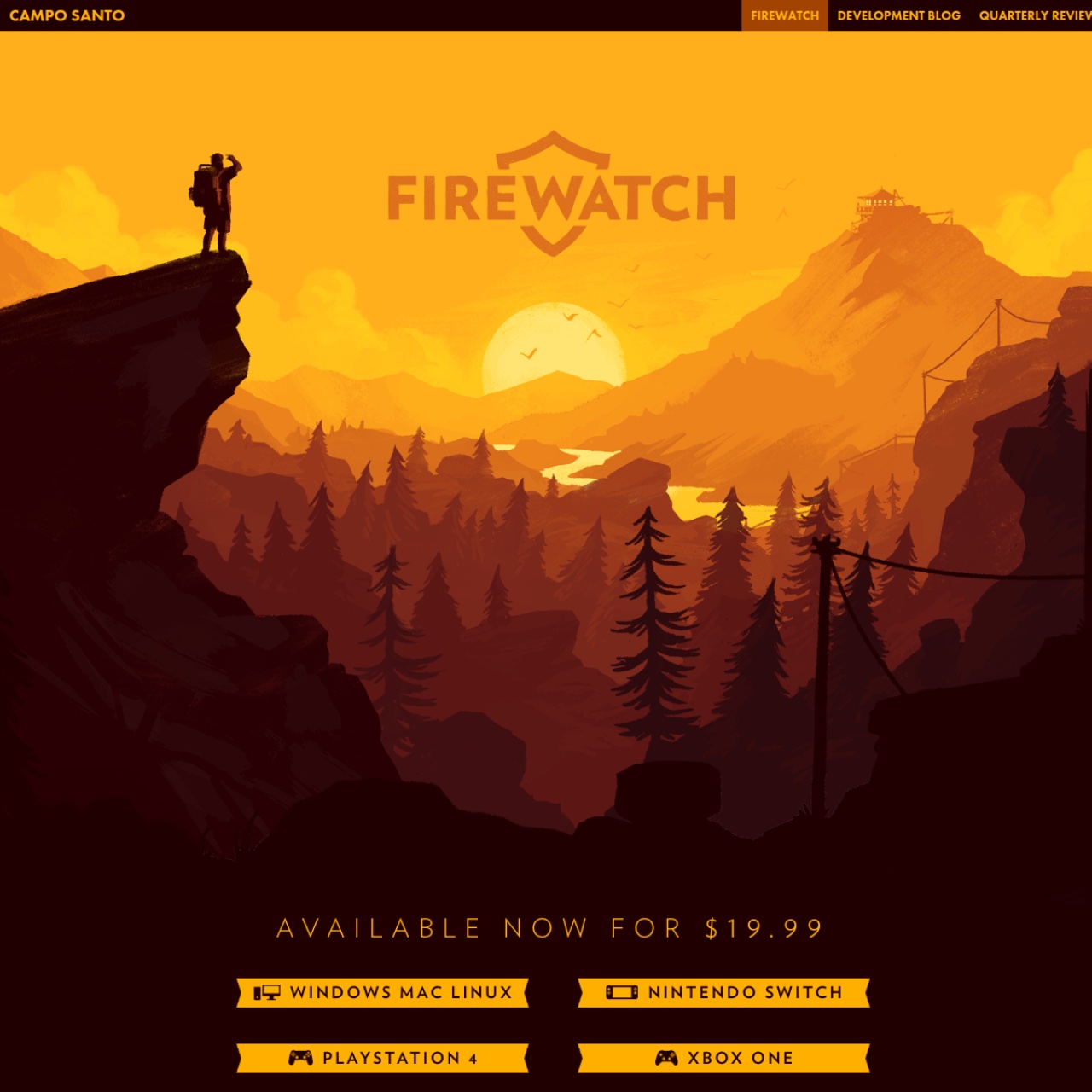
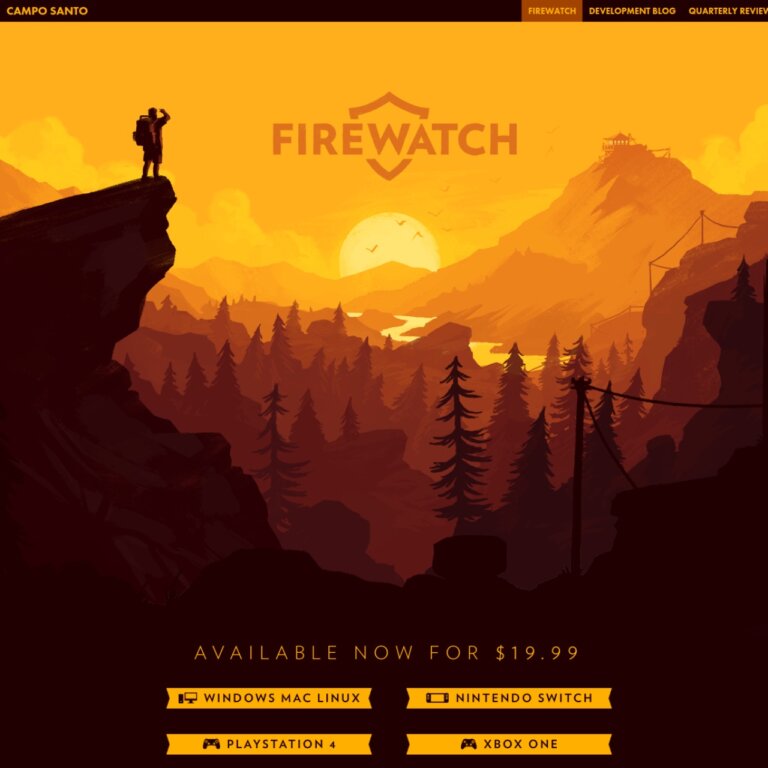
The parallax legend. Campo Santo\u2019s illustrated mountains move in layers at different speeds as you scroll, turning a game homepage into a living painting. A decade later it is still the reference example for scroll-driven storytelling.
2. Apple AirPods Pro
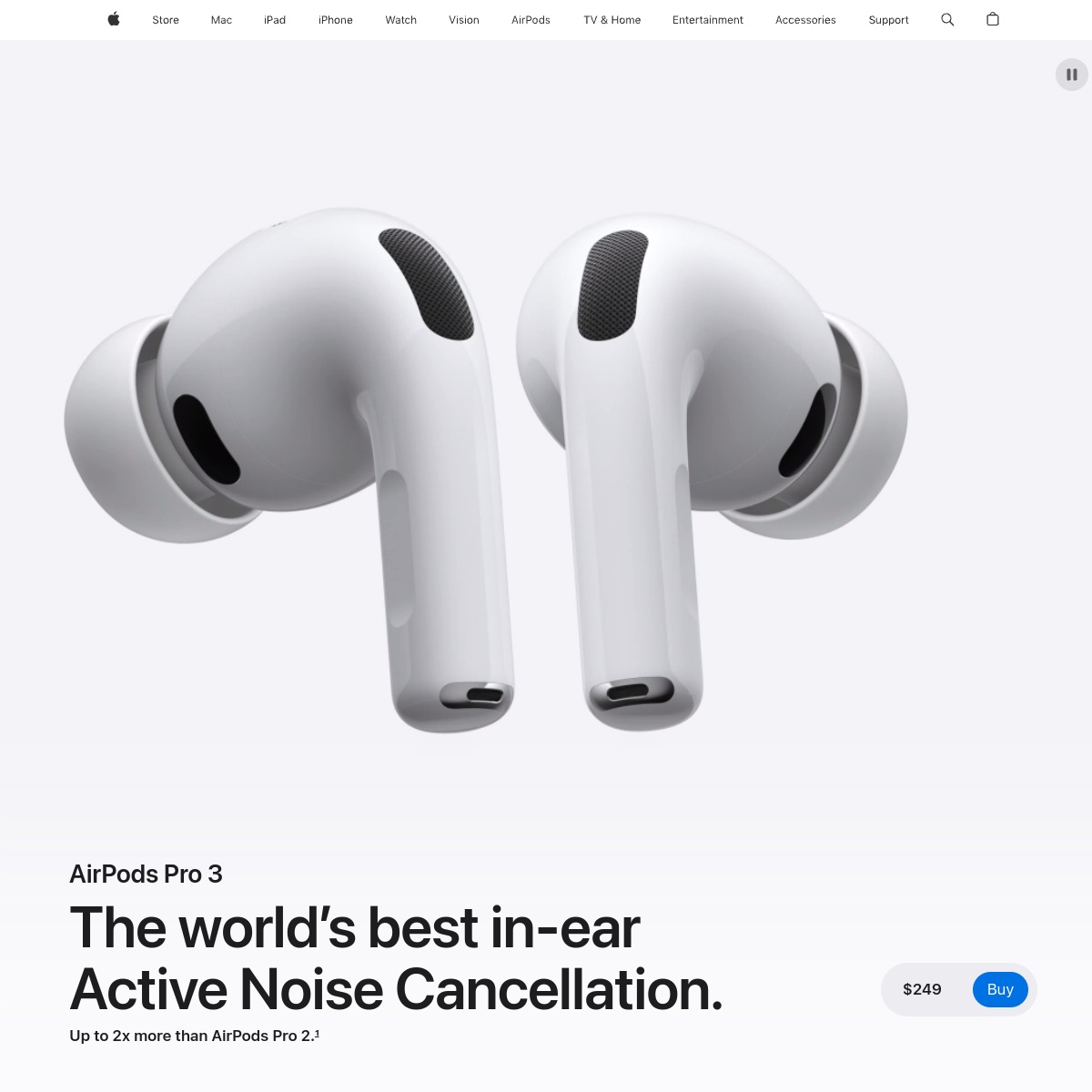
Apple perfected the scroll-driven product story: the earbuds rotate and explode into components in sync with your scroll position while feature text reveals line by line. The template every product page copies.
3. 100 Lost Species
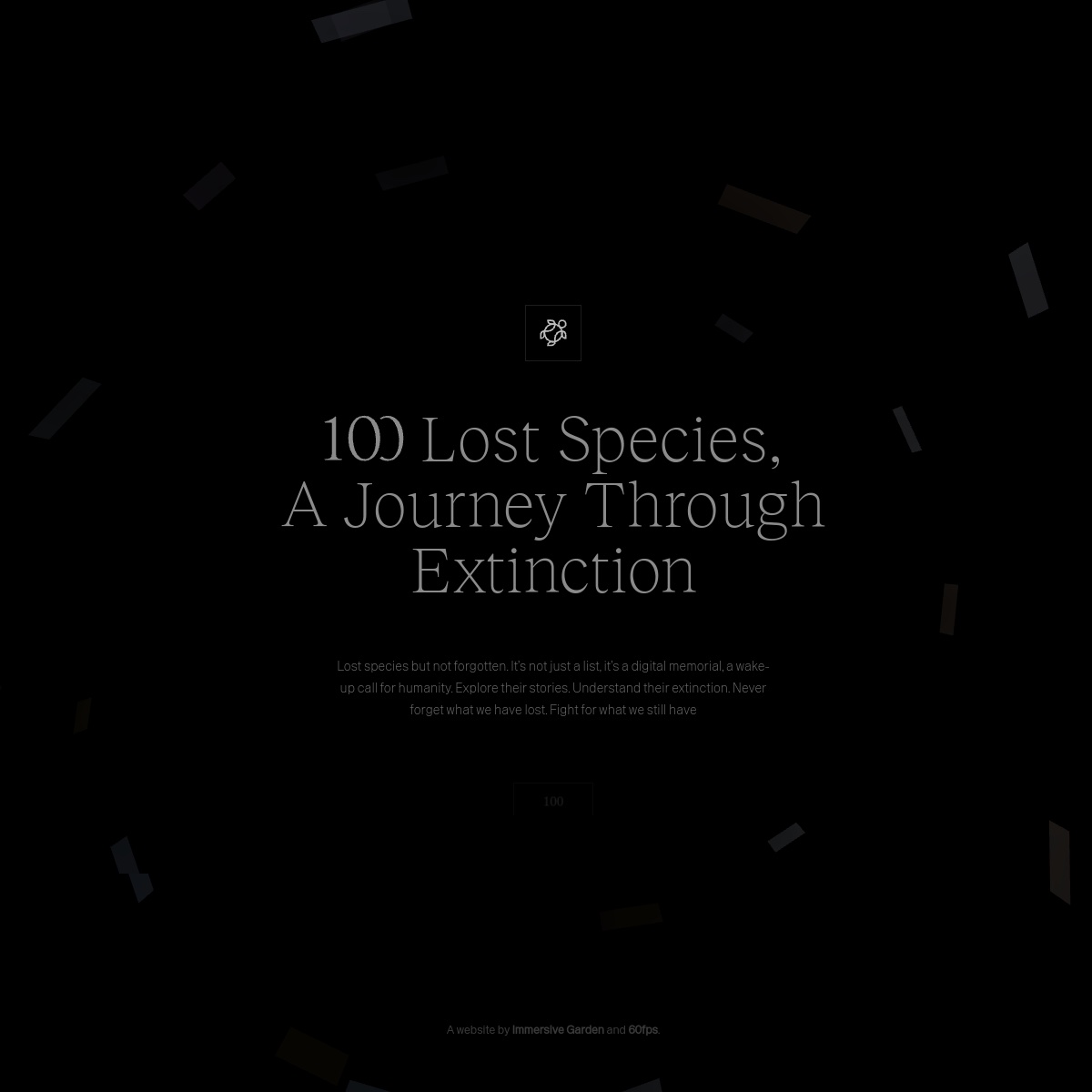
An Awwwards Site of the Day: a digital memorial for extinct species. Dark cinematic chapters, huge serif type, and a counter that counts down as you scroll turn conservation data into an emotional journey.
4. Montfort
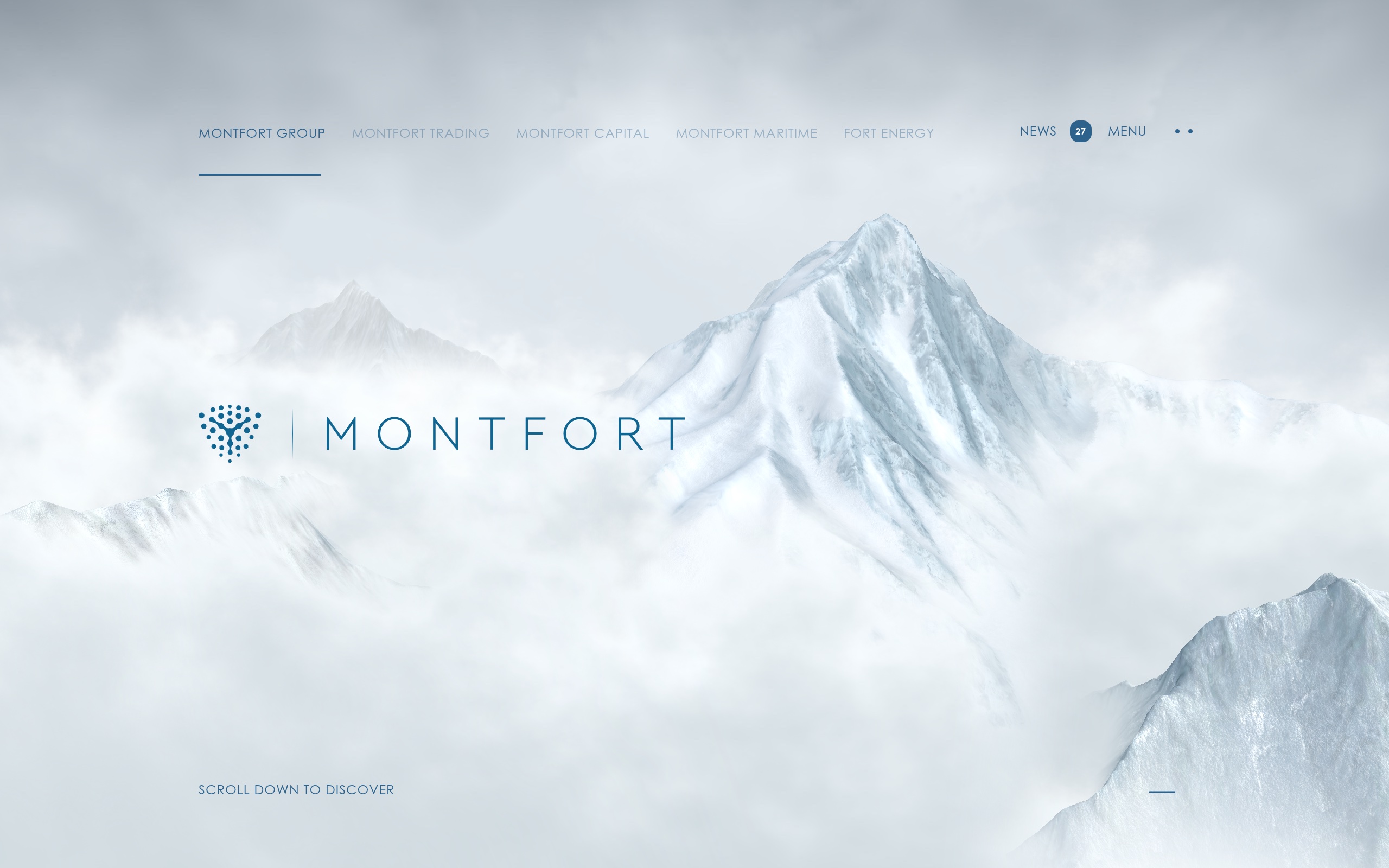
A Site of the Month winner that opens with one instruction: \u201cscroll down to discover.\u201d Foggy WebGL peaks and valleys unfold beneath your scroll wheel in a full 3D mountain ascent.
5. Stripe

The SaaS scroll standard: a signature flowing gradient, content blocks that reveal on scroll, and animated stats. Proof that restraint plus perfect timing beats visual noise.
6. Vercel
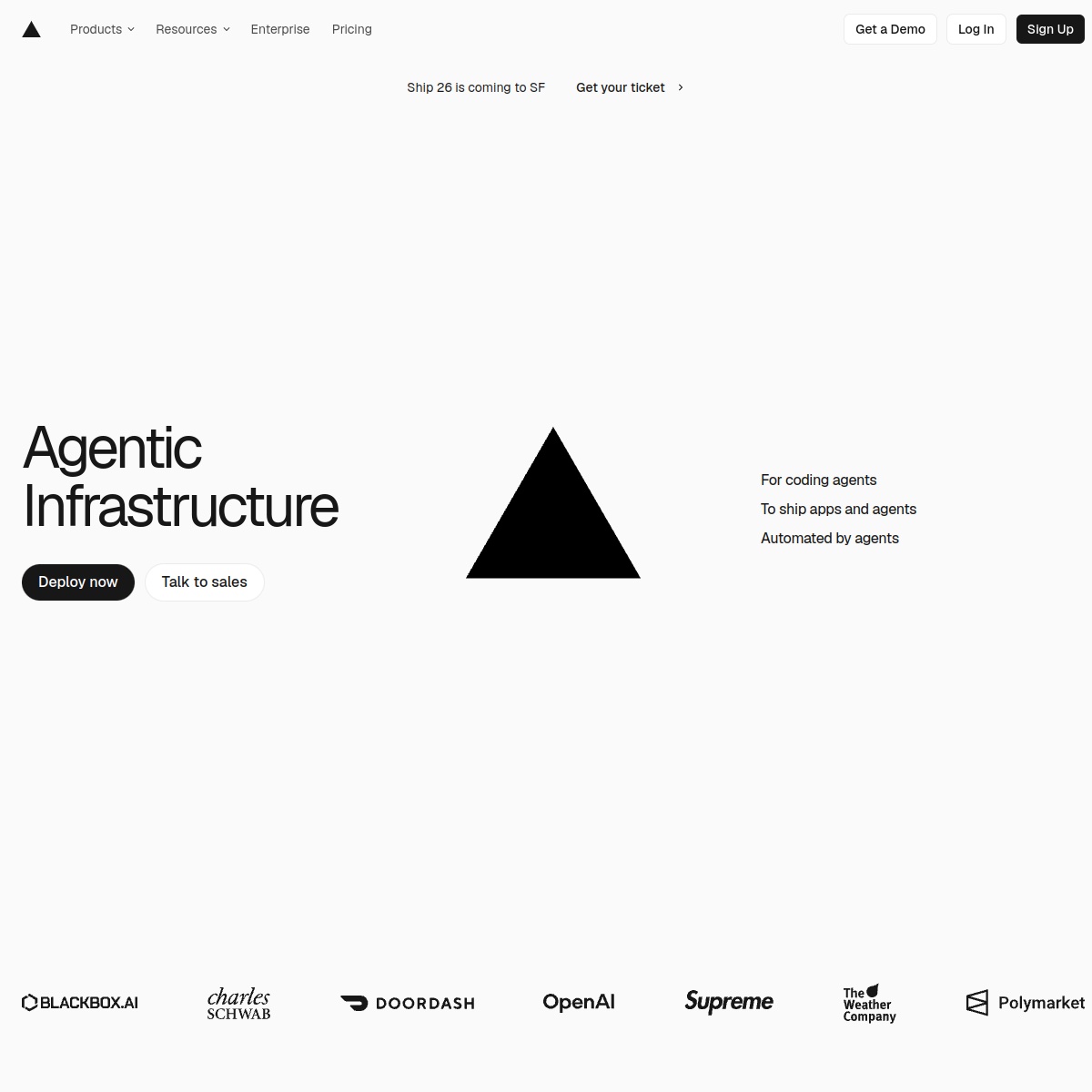
Minimalism as a scroll experience. Monochrome type, generous whitespace, and quiet reveals show how little you need when the pacing is right.
7. Apple Mac
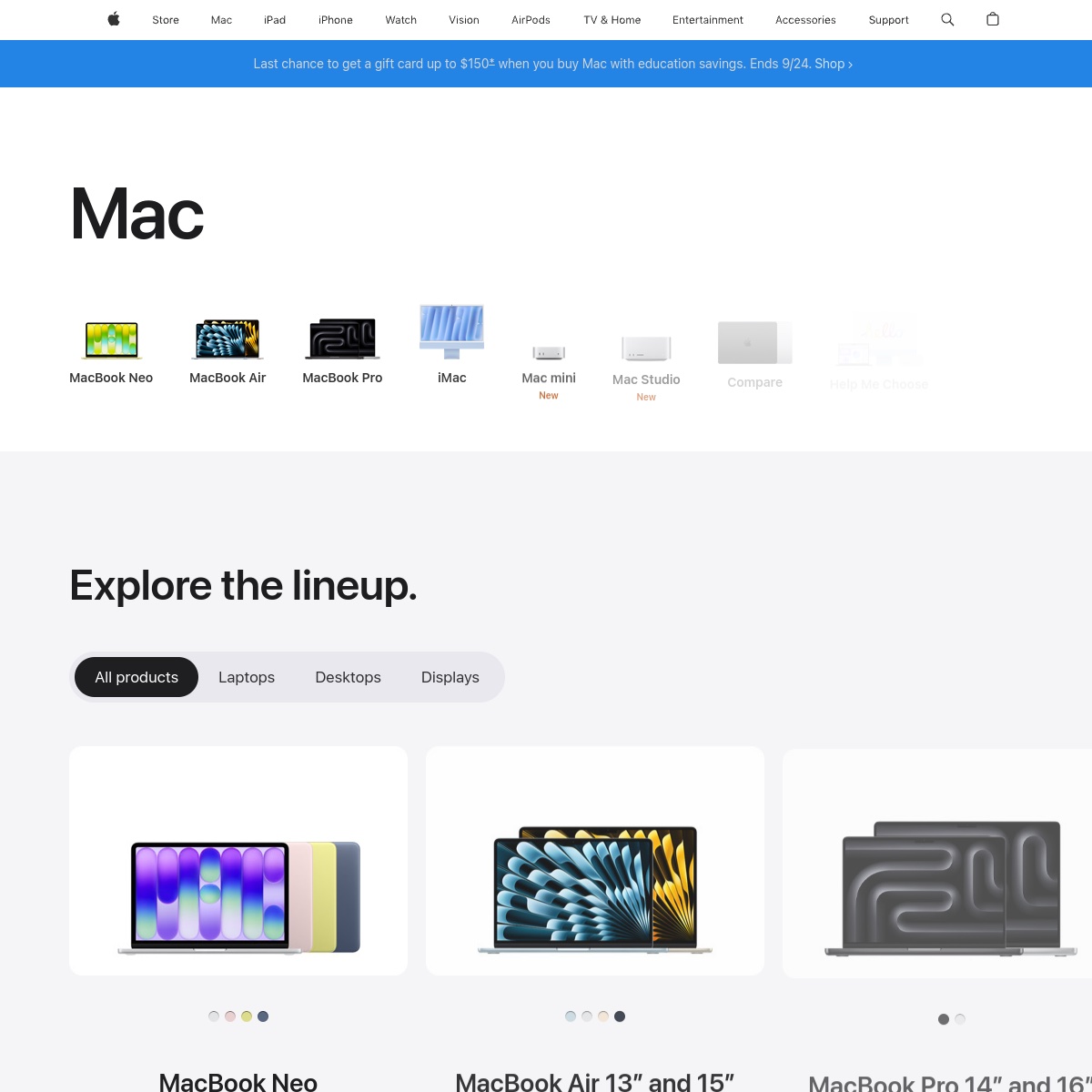
A product lineup explorer: horizontally scrolling cards, sticky filters, and color pickers that update live. E-commerce scrolling done the Apple way.
8. Raycast

A dark, confident scroll narrative for a productivity launcher. One idea per screen, huge type, zero distractions \u2014 a masterclass in developer-tool marketing.
9. Arc / Dia
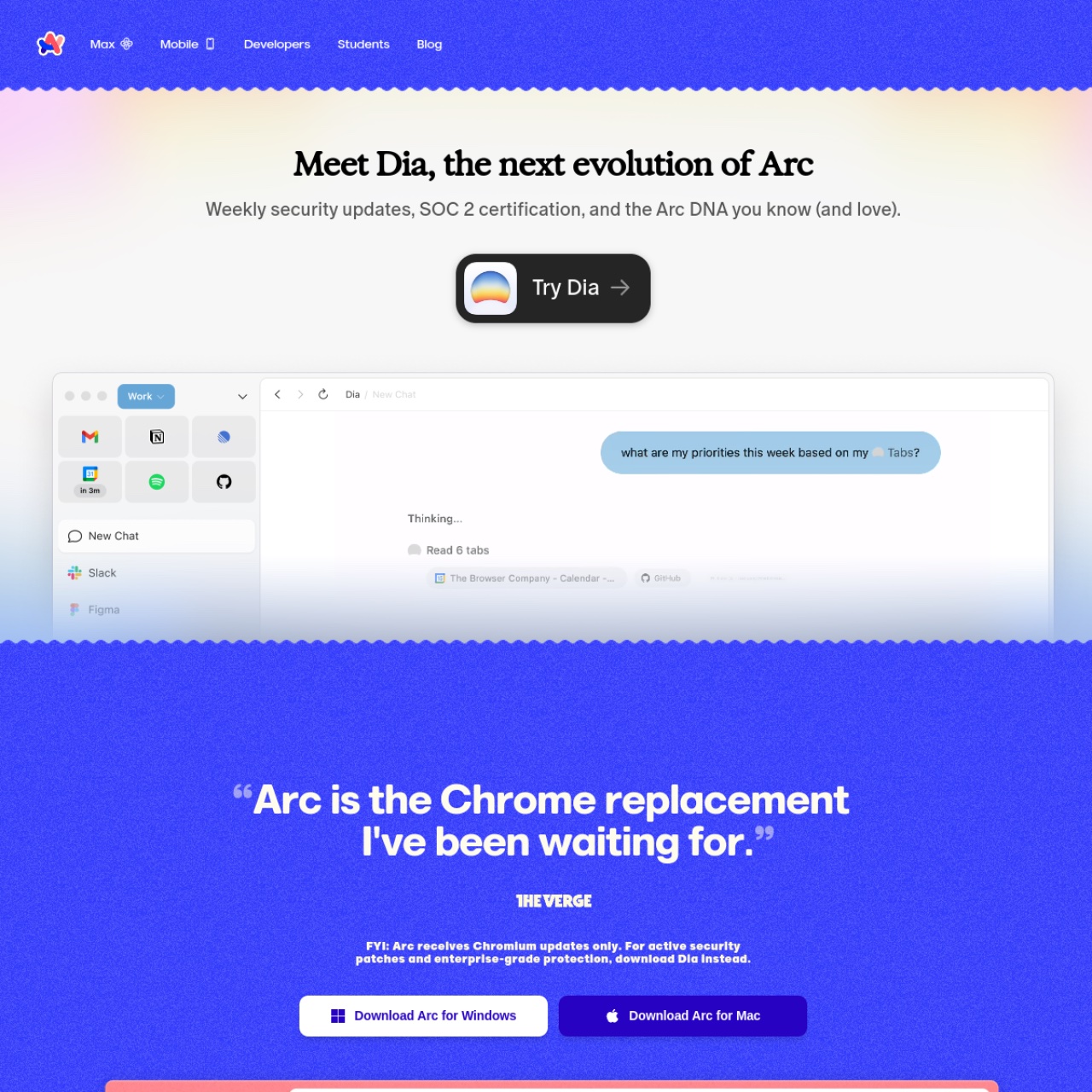
The opposite of minimal: bold color blocking, playful quotes, and bouncy section transitions. Shows scroll experiences can have a sense of humor.
10. Anthropic
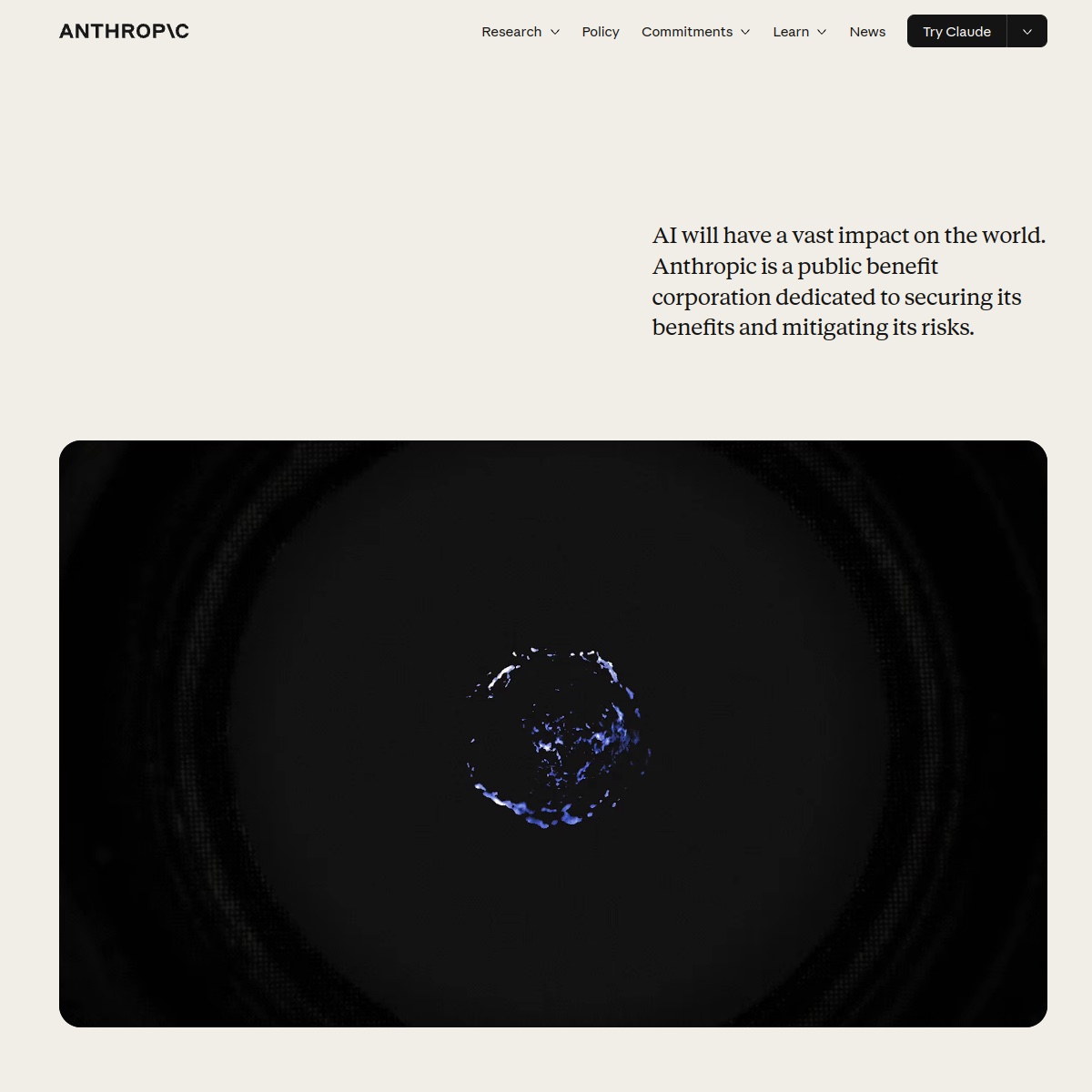
Editorial scrolling at its finest: serif headlines that fade in line by line over abstract visuals. Calm, credible, and very readable \u2014 a model for content-heavy sites.
How to build scroll experiences like these
Most of these effects come from two tools: GSAP ScrollTrigger for scroll-linked animation and Lenis for buttery smooth scrolling. Learn those two and you can recreate 90% of this list.
What makes these scroll experiences work
Strip away the technology and the same three rules show up on every site above:
- One idea per chapter. Each section answers a single question before the next one starts. Scroll motion is the transition, not the content.
- Motion tied to reading position. Nothing autoplays on a timer; the user’s scroll is the timeline, so the story never runs ahead of them.
- A strict performance budget. Animated elements use transform and opacity only, images are compressed and lazy-loaded, and heavy 3D is the exception rather than the default.
Accessibility and performance checklist
- Respect prefers-reduced-motion and provide a static fallback for every scroll-driven section.
- Never hijack the scroll speed — users should always be able to leave a section in one flick.
- Keep the largest contentful paint image static; animate elements around it, not the hero itself.
- Test on a mid-range Android phone, not just a desktop with a discrete GPU.
- Add anchor navigation so keyboard and screen-reader users can skip between chapters.
Scrolling effects FAQ
Do I need GSAP for scroll animations?
No. CSS scroll-driven animations (animation-timeline: scroll()) cover simple reveals and progress bars in Chromium browsers. GSAP ScrollTrigger still wins when you need cross-browser pinning, scrubbing or complex timelines.
Why does my scroll animation feel laggy?
Usually because the browser is recalculating layout on every frame. Animate transform and opacity only, avoid reading layout properties inside scroll handlers, and compress large images before adding motion.
Is scroll-jacking bad for SEO?
The content itself is still crawlable, but forced scroll hijacking hurts engagement and accessibility. Scroll-linked animation is safe; scroll-hijacking is not.
What is the difference between parallax and scroll-driven video?
Parallax moves layers at different speeds. Scroll-driven video maps the playback position to the scrollbar, frame by frame — heavier to produce, but it lets you show real footage without autoplay.