
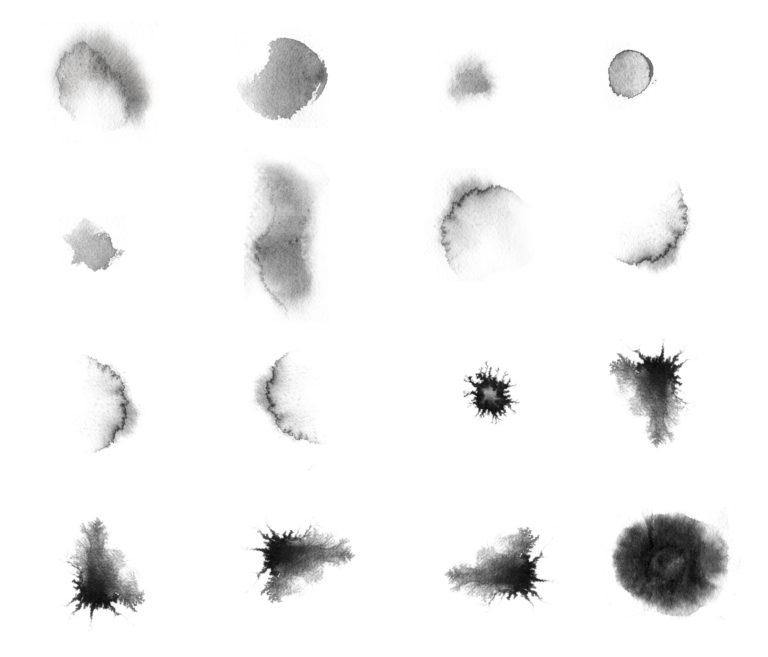
Updated September 2026 — every download link below re-tested.
Watercolor and ink brushes give digital artwork a natural, hand-painted touch that Photoshop’s default brushes can’t match. Below are 15 free watercolor brush sets for Photoshop — splatters, washes, and ink textures, most of them free for personal and commercial use. Pick a set, grab the .abr file, and install it in under a minute.
How to install .abr brushes in Photoshop
- Download the .abr file you want to use.
- In Photoshop open the Brushes panel (Window > Brushes).
- Click the panel menu (top-right corner) and choose Import Brushes, then select your .abr file — done. Dragging the .abr file straight into the Photoshop window works too.
93 Free Watercolor Brushes
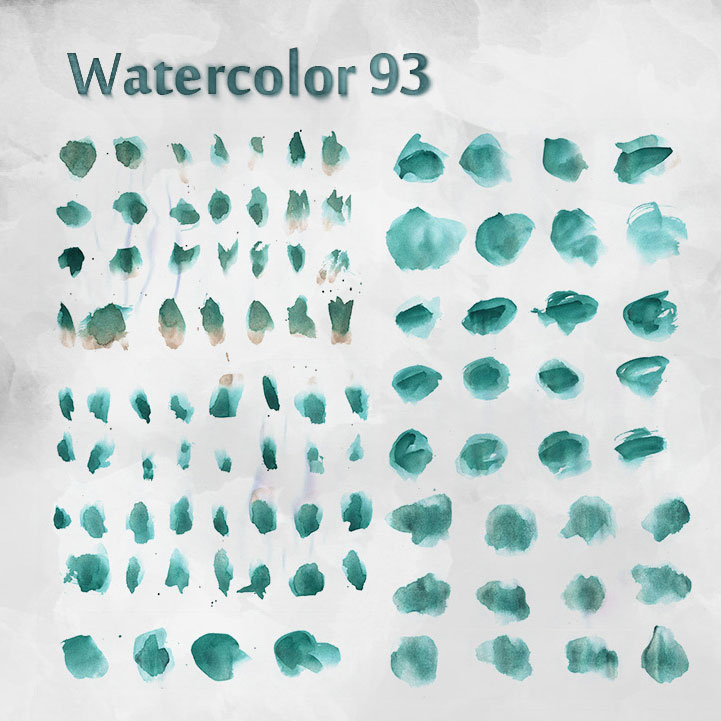
Personal and commercial work; credit is not necessary but feedback is always appreciated.
93 Brushes |Download from source
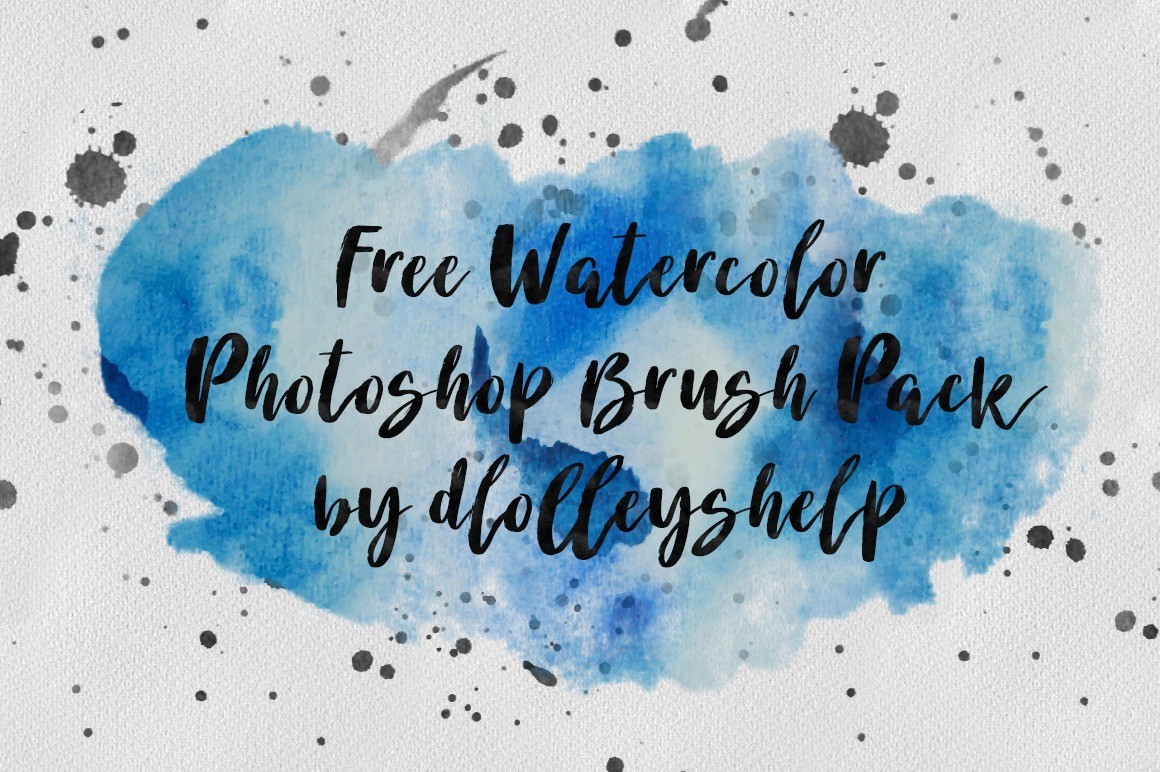
Free Watercolor Photoshop Brushes
28 Ink and Watercolor Brushes
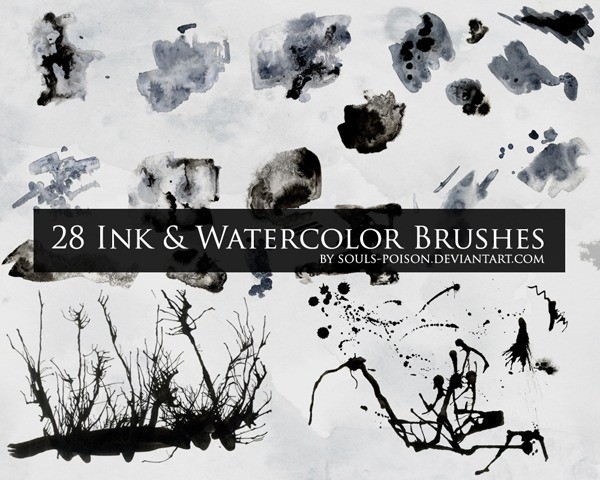
These were all created using black and grey watercolor, India ink, and salt to get some crazy textures and designs.
Download From Source
Free Ink Splatter Photoshop Brushes 14
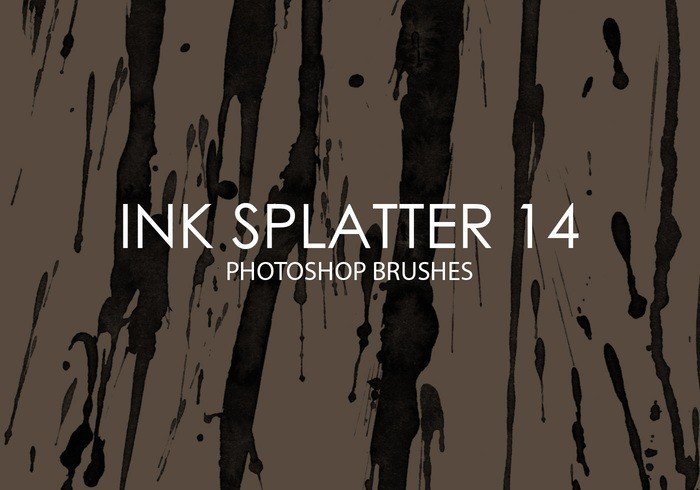
15 high quality ink splatter texture photoshop brushes, 2500 pixels size.
15 brushes |2500 pixels |Download From Source
Free Wet Ink Photoshop Brushes 3
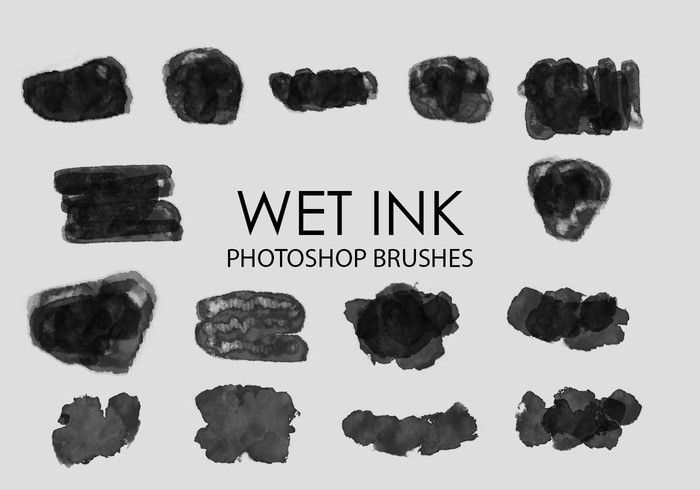
Pack contains 15 high quality hand painted wet ink ps brushes, 2500+ pixels size. Create professional graphic effects in seconds!
15 brushes |2500+ pixels |the Download From Source
3 Ink Brushes for Photoshop
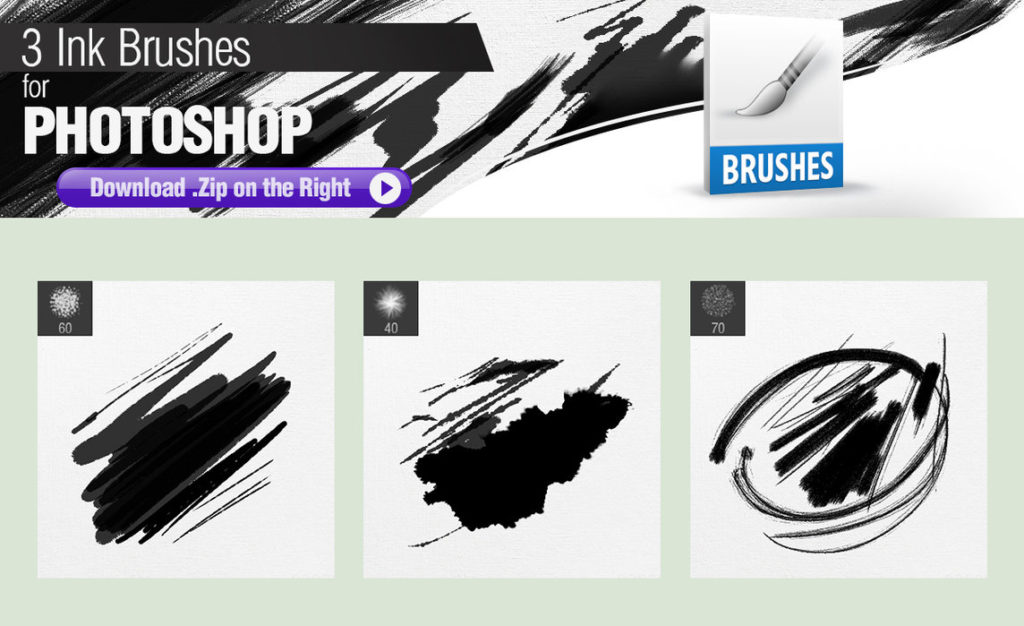
All brushes are FREE to use both in commercial and personal art.
No request credit or back linking, but if you do I’ll take it as a kind gesture.
3 brushes |Download From Source
Ink Splatter Brushes
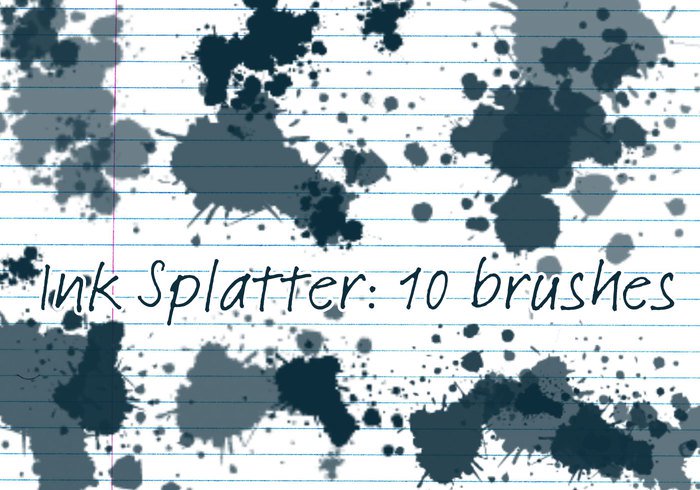
Messy ink spills and splats.
10 brushes |Download From Source
Watercolor Splatters
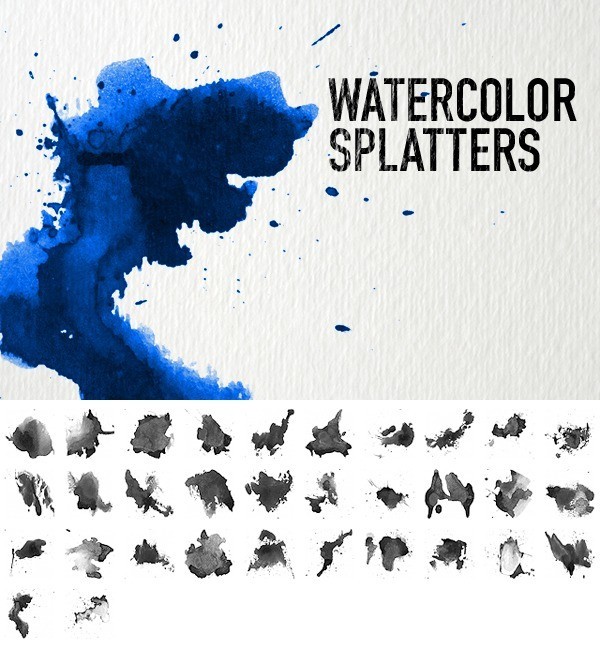
Download high resolution watercolor brush set! Created with artist-quality watercolor paint on cold press watercolor paper. Includes three high photo textures.
32 Brushes |675 pixels |Download From Source
Watercolor Brushes
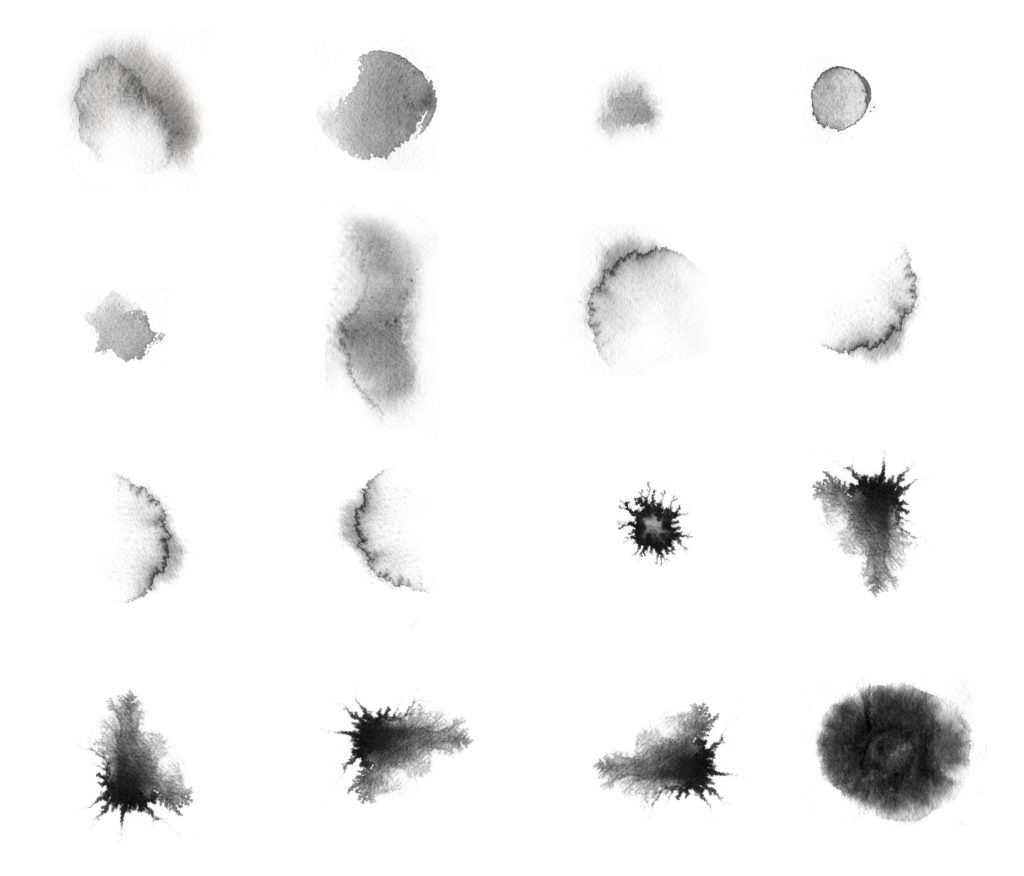
Photoshop watercolor brush set. Use it freely, no need to ask my permission
16 Brushes | Download from source
Watercolor Brushes
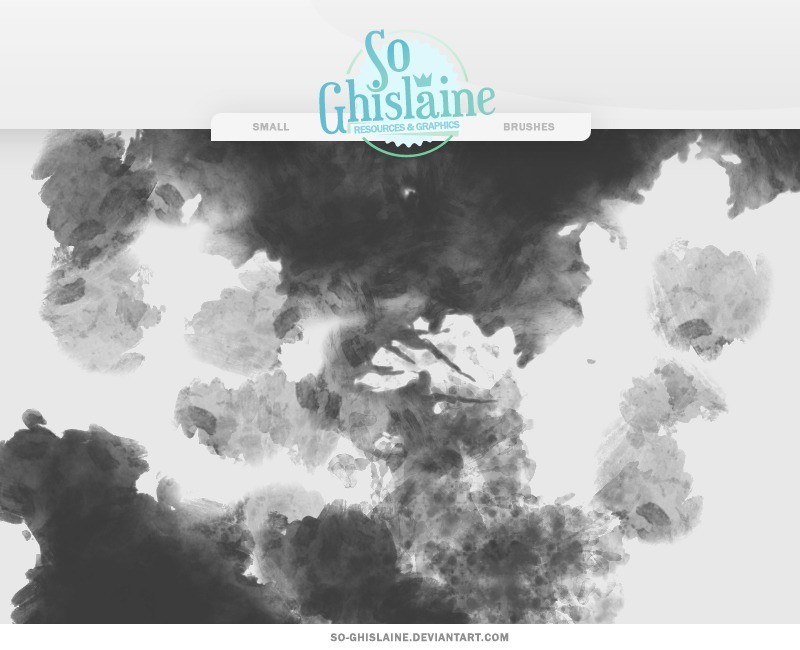
Free watercolor brush set, These brushes look like a watercolor painting. And you can use them with or without a drawing tablet.
Download from source
Paint Splashes Brushes
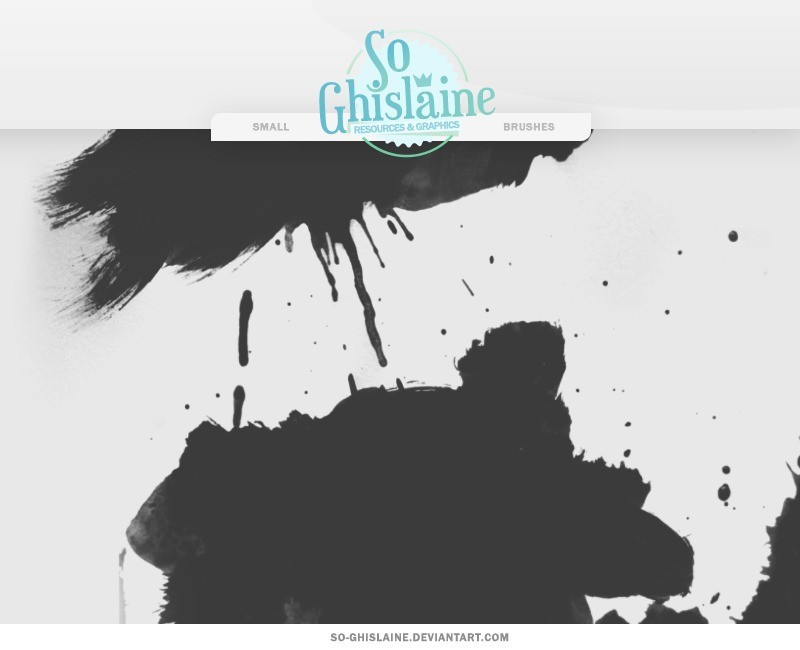
HQ brushes. Free to use and commercial use is allowed.
Download from source
WaterColor EXTREMUM
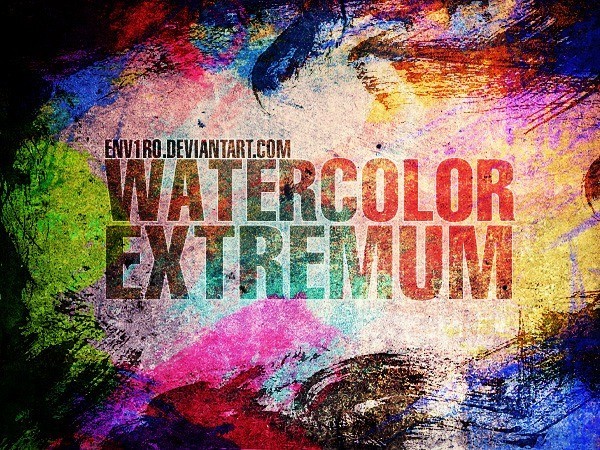
Fresh watercolor brushes WaterColor EXTREMUM. This HUGE pack contains 41 (resolution about 2500px) brushes compatible with PS 7 and up!
If you want to use for commercial work Please send the author a note with information about how you want use my brushes.
41 Brushes |2500 pixels |Download from source
Watercolor Brushes
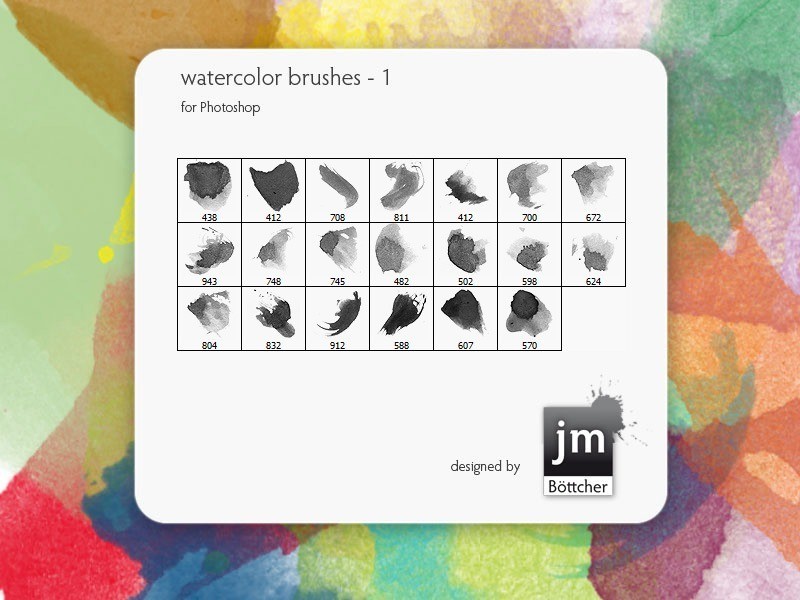
20x brushes for Photoshop tested & works with: CS2 / CS3 / CS4 / CS5 maybe also with older versions
Download from source
WG Watercolor Brushes Vol1
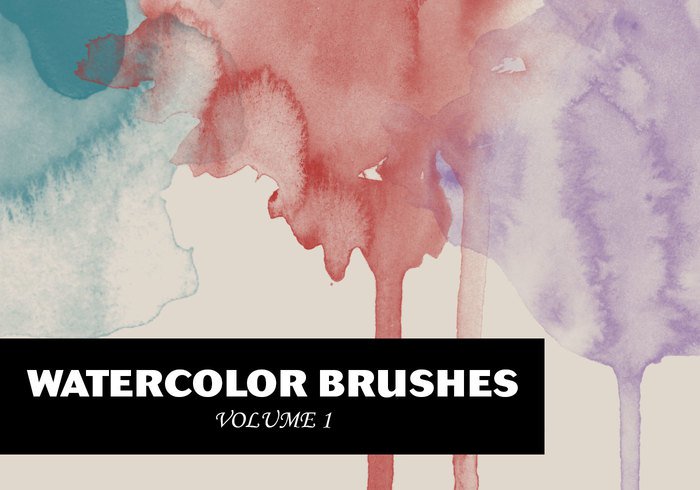
Today I’m glad to share with you a watercolor brush set. The pack contains 20 high-resolution brushes (around 2000 2000 pixels), that are perfect when applied on paper textures. Anyway there are infinite ways to use this kind of brushes, so?enjoy them!
20 Brushes |2000 pixels | Download from source
15 Photoshop Watercolor Brushes
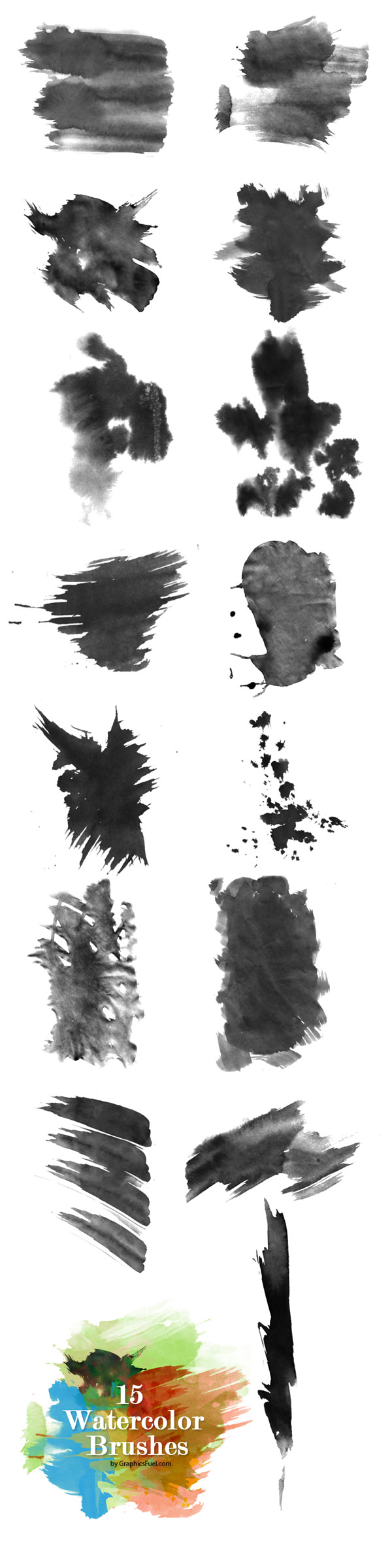
Exclusive set of 15 watercolor brushes for Photoshop. The brushes come in .abr format, and free to use for personal or commercial projects.
15 Brushes |Download from source
How to choose a watercolor brush set
Not every set behaves the same. Before downloading all fifteen, check four things:
- Resolution: 2,000px+ brushes stay sharp on large canvases; smaller sets are fine for social graphics and thumbnails.
- Pressure response: good sets thin out naturally with pen pressure. Test on a 50% gray layer before committing to a full illustration.
- Texture vs. shape: wash brushes build soft gradients, splatter brushes add edges and happy accidents. You rarely need both from the same pack.
- License: “free” does not always mean “free for client work.” Check the source page before using a set in a paid project.
Five tips for realistic watercolor in Photoshop
- Paint on a layer set to Multiply over a paper texture — instant pigment depth.
- Keep opacity low (15–30%) and build density in passes instead of one heavy stroke.
- Turn on Color Dynamics (Foreground/Background Jitter 8–15%) so a single stroke shifts hue slightly.
- Add granulation with a subtle noise overlay at 4–6% opacity.
- Soften edges with a low-opacity brush — real washes never end in a hard line.
More free Photoshop brushes
Pair these washes with cloud brushes for skies, grunge brushes for distressed texture, or free Photoshop patterns for backgrounds. Browse the full brush archive for more tested sets.
Watercolor brushes FAQ
Are these brushes free for commercial work?
Most sets above allow personal and commercial use, and each set notes its license. Always double-check the source page before using brushes in client projects.
Do old .abr sets work in the latest Photoshop?
Yes. The .abr format is backward compatible — sets made for CS2–CS6 load fine in recent Photoshop versions, including Photoshop on iPad (import via the Brushes panel).
Where do installed brushes go?
You don’t need to hunt for folders: Brushes panel > Import Brushes places them correctly on any OS.
Can I use .abr brushes in Procreate or GIMP?
Procreate cannot read .abr files directly — convert them to .brushset with a third-party tool first. GIMP 2.10+ can import .abr files from Edit > Preferences > Folders > Brushes.
Which blend mode should watercolor layers use?
Multiply is the safest default for pigment over white paper. Try Linear Burn for denser, ink-like shadows.
