
Pressable is managed WordPress hosting built by the team behind WordPress.com. If you want the speed, security and automatic updates of WordPress.com without the platform lock-in, Pressable gives you a clean WordPress install on their infrastructure – you own the site, they handle the infrastructure. Here is the exact 20-minute setup.
Step 1: Choose your plan
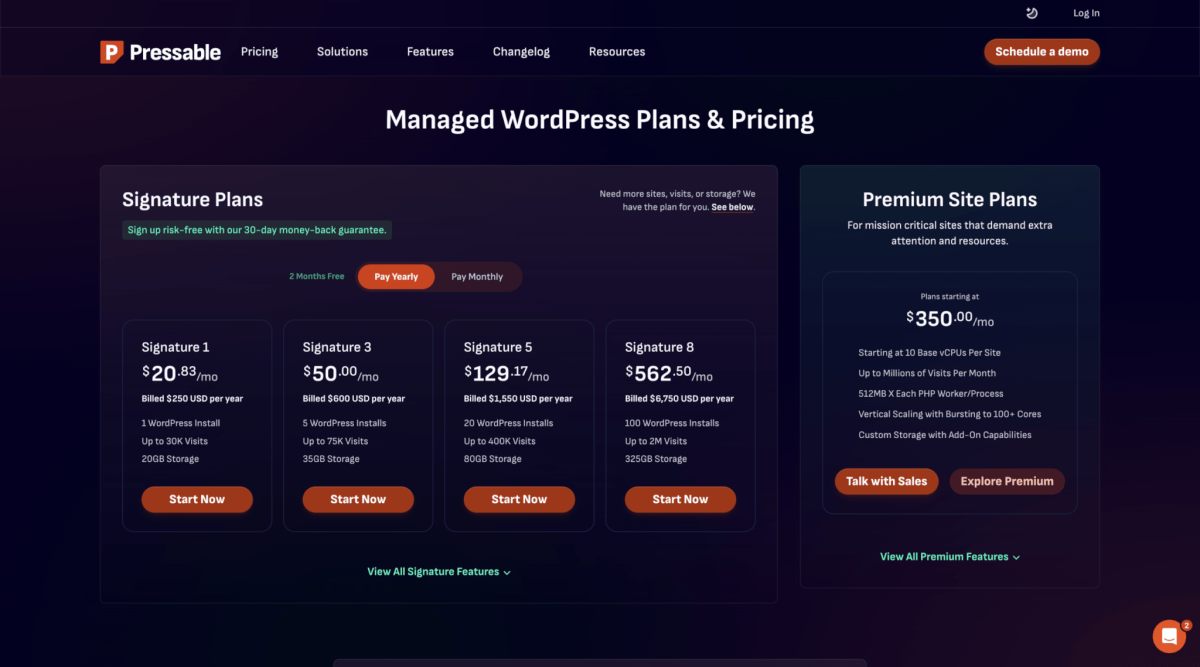
Go to Pressable and pick a plan. For a new blog, the Personal plan is the sweet spot: 1 site, 50GB SSD, 50K visits/mo, free SSL, free CDN, and daily backups. Agencies and client sites scale to the Professional tier (10 sites) or the Agency tier (unlimited).
Step 2: Create your site
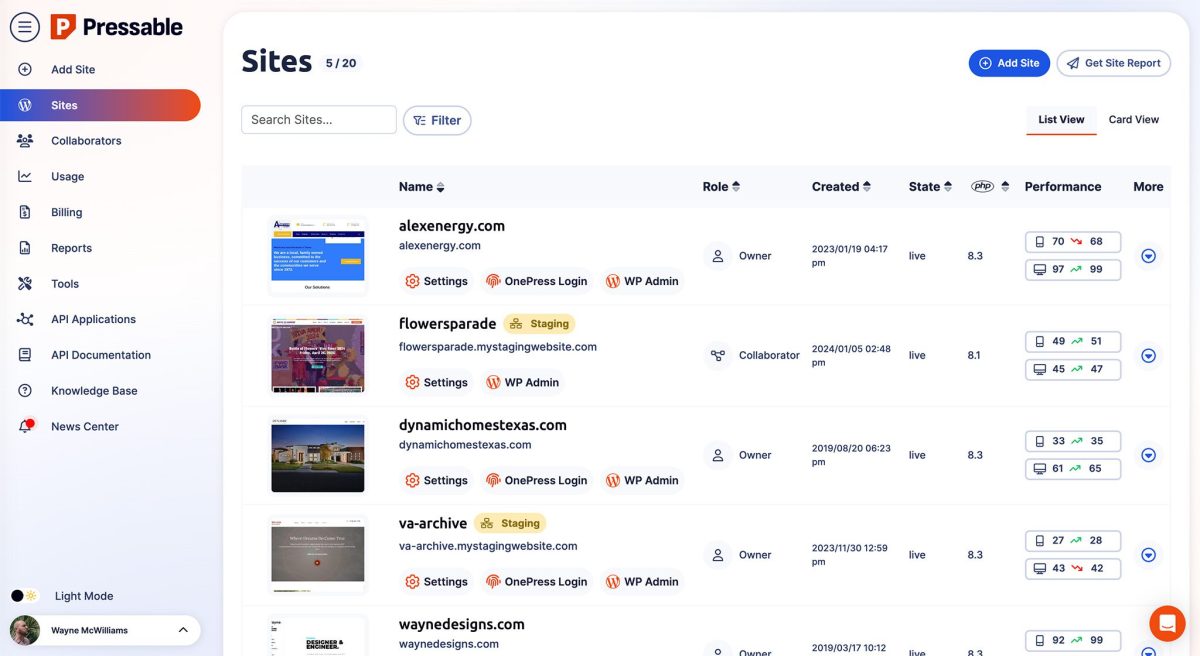
After checkout you land in the Pressable dashboard. Click “Add New Site” – you can either start fresh (clean WordPress) or migrate an existing site for free (their team handles the migration). Pick a temporary pressable.com subdomain or connect your own domain now.
Step 3: Connect your domain
If you already own a domain, go to Settings – Domains in the Pressable dashboard and add it. You will get two A records and a CNAME to add at your registrar (Namecheap, Cloudflare, GoDaddy, etc.). DNS propagates in minutes; the dashboard shows a green check when it resolves.
Step 4: Free SSL + CDN (one click)
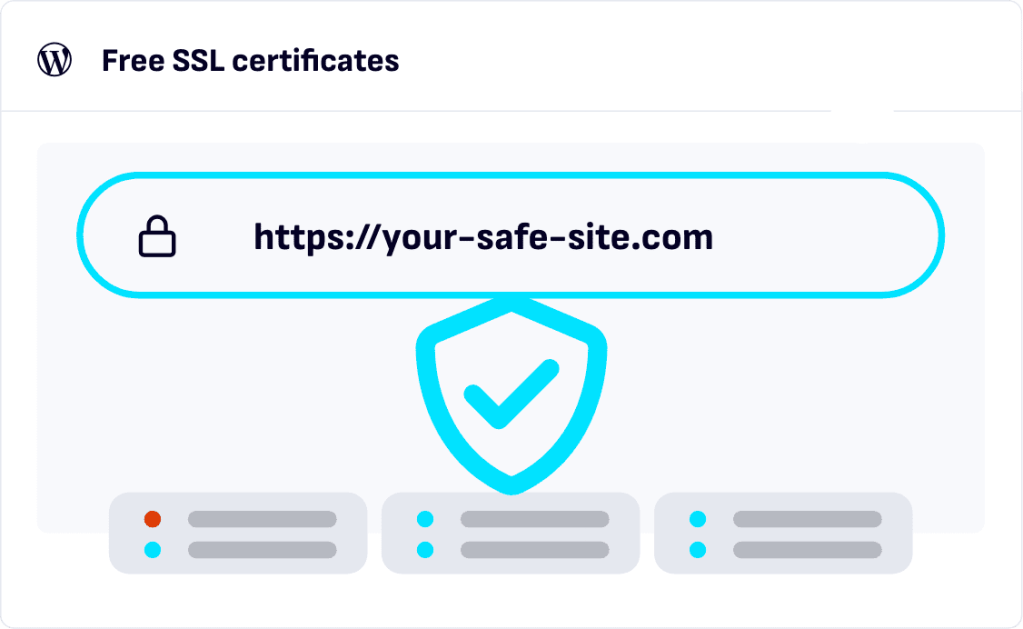
In Settings – SSL, toggle “Force HTTPS” – Let’s Encrypt certificates are provisioned automatically. Then enable the CDN under Performance – it serves your static assets from Pressable’s global edge (included, no extra charge).
Step 5: Automatic daily backups + staging
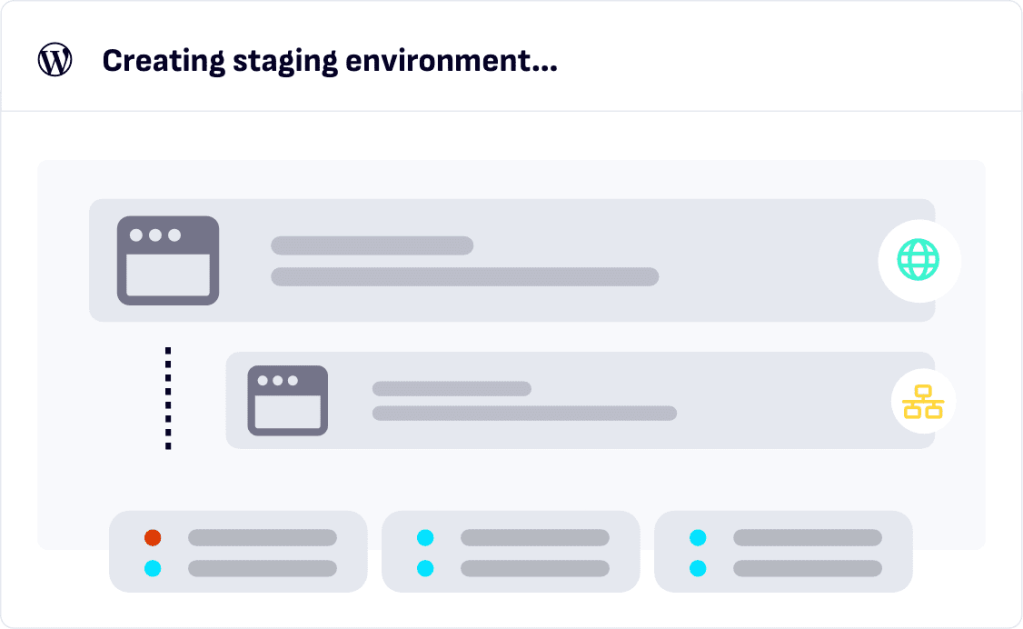
Daily backups are on by default (30-day retention). For staging, go to the site overview and click “Create Staging” – you get a password-protected clone at a staging subdomain. Test plugins, themes, or design changes there, then “Push to Live” with one click. No plugin required.
Step 6: Jetpack (already included)
Pressable bundles Jetpack Security + Backup + CDN. In the dashboard you will see Jetpack already active – enable brute-force protection, downtime monitoring and the image CDN from the Jetpack sidebar. No separate account needed.
Free vs paid: when to upgrade
The Personal plan covers most new blogs. Upgrade to Professional when you manage multiple sites or hit the visit limit; Agency tier adds unlimited sites and priority support. Annual billing saves ~17%.
Bottom line
If you want WordPress.com speed and security without the platform restrictions, Pressable is the closest thing to “managed WordPress done right.” Pair it with our Jetpack setup guide and you have a production-grade stack in under 30 minutes.
Images: official Pressable illustrations (pressable.com), used for review purposes.
Disclosure: this post contains affiliate links. If you buy through them, we may earn a commission at no extra cost to you. See our Affiliate Disclosure.
