
AI is changing how designers find inspiration. Instead of scrolling through the same gallery sites, designers are prompting for fresh directions — glassmorphism, glowing gradients, surreal textures, and futuristic layouts that didn’t exist as packaged styles before. Here are 50 AI design directions that are shaping 2026, grouped so you can swipe ideas into your own work.
Start with these three AI style families
If you only remember three things: abstract 3D renders, gradient/glass surfaces, and surreal minimal scenes. Those three families produce hero images, social headers, and landing-page backgrounds that look made-to-order.
50 ideas to prompt into your next design
Abstract and gradient (1–10)
- Liquid chrome ribbons on a dark background.
- Soft glassmorphism panels floating over a neon gradient.
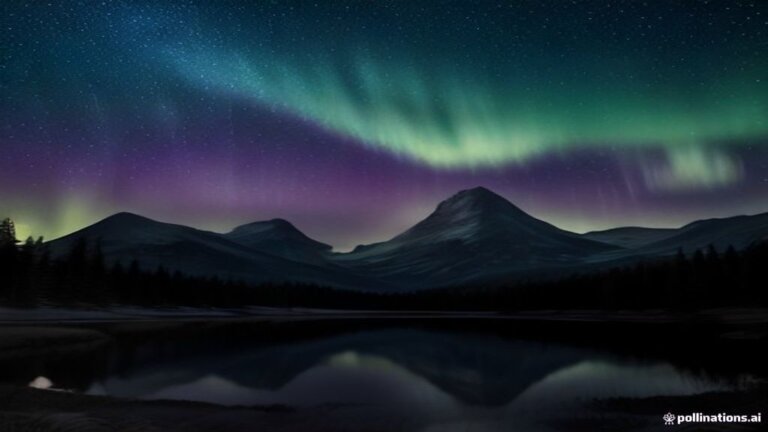
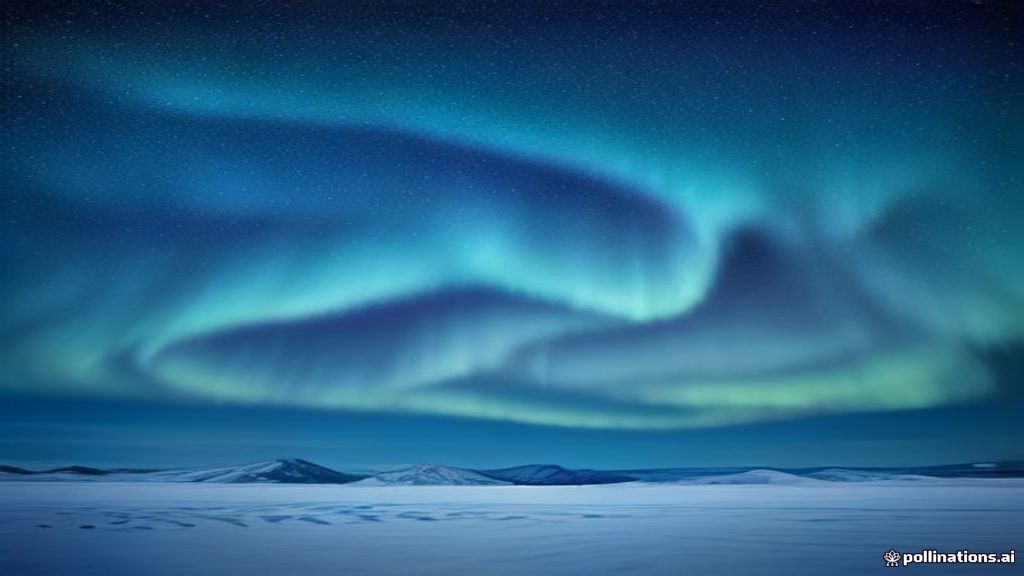
- Aurora borealis color bands blended into a product shot backdrop.
- Metallic fluid typography melting into a pool of light.
- Paper-cut layered gradients with a single bright focal point.
- Cellular bioluminescent texture, macro view.
- Iridescent soap-bubble surfaces with hard studio lighting.
- Marble vein patterns glowing from within.
- Dust particles catching light in a dark 3D scene.
- Concentric ring gradients with subtractive color mixing.
3D and sculptural (11–20)
- Chrome liquid metal folded like fabric.
- A torn-paper portal showing a 3D world underneath.
- Soft clay-like shapes with harsh rim lighting.
- Abstract plastic sculptures floating on a grid floor.
- 2D vector illustration extruded into printable 3D depth.
- Thousands of tiny spheres forming a single smooth form.
- Holographic cubes stacked like a city skyline.
- Frosted acrylic panels with embedded neon tubes.
- Liquid glass wave frozen mid-motion.
- A single sculpted figure-free object caught in slow-motion droplets.
Typography and texture (21–30)
- Giant 3D letterforms caught mid-collapse with particle trails.
- Halftone pop-art dots distorting a clean wordmark.
- Wood grain reimagined as flowing fabric.
- Pixel-sorted columns of saturated color bars.
- A monospace type grid exploding into a burst of vectors.
- Ink dissolving in clear water, high speed capture.
- Embossed leather texture with golden light from the side.
- Velvet fabric ripples with gradient lighting.
- Smoke forming geometric shapes in a black box.
- Embroidered thread pixelated like a low-res glitch.
Layouts and UI (31–40)
- An exploded wireframe UI floating in dark space.
- Dashboard cards in frosted glass stacked with parallax layers.
- A bento-grid homepage hero with balanced negative space.
- Editorial magazine spreads with oversized folio numbers.
- Mobile app onboarding screens with soft 3D mascots (no people).
- A poster grid built from pure geometry and negative space.
- Landing page sections separated by gradient masks.
- Brochure spreads with bold diagonal color blocks.
- E-commerce product cards floating on layered shadows.
- A sitemap drawn as a glowing architectural floor plan.
Surreal and minimal (41–50)
- A single horizon line with a giant geometric object as the sun.
- Desert dunes wrapped in chrome foil.
- A floating staircase leading to a gradient void.
- Massive soft shadows cast by invisible objects.
- A minimal white room with a single glowing portal.
- Perspective grids extending into a star field.
- Clouds carved into perfect geometric steps.
- A mirror surface splitting two color worlds.
- Sunlight through an abstract 3D window glazing.
- A single bold symbol floating over a tiled gradient field.
How to use this list
- Pick a direction and describe it in your own words — add lighting, camera angle, and color palette for sharper results.
- Reference a style family (liqu:
uid / glass / surreal) to any AI image tool for consistent branding. - Don’t stop at the first result — “vary”, create alternatives, then refine the strongest one in your editor (Photoshop and Firefly workflows fit well here — see our Firefly in Photoshop guide).
Where to generate these ideas
You don’t need a heavy stack to explore these. Most can be produced in Midjourney (best aesthetic polish), DALL-E 3 (most literal), or a free online generator like Freepik’s AI image generator. For the full rundown of paid and free tools, our Best AI Tools for Graphic Designers in 2026 guide shows exactly where each one shines. Prefer ready-made assets? Envato Market offers thousands of vectors, illustrations and photos under commercial licenses.
Final tip
The trend in 2026 is controlled chaos: designs that look generative but are backed by a clear brand grid. Use AI to discover the direction, then bring it back into a disciplined layout — your clients will feel the difference between “AI look” and “designed feel.”
Disclosure: this post contains affiliate links. If you buy through them, we may earn a commission at no extra cost to you. See our Affiliate Disclosure.
Image credits: abstract renders on Unsplash (Unsplash License).