
A logo used to cost you days of sketching and a few hundred dollars with a designer. In 2026, AI logo generators get you a strong starting point in minutes — and the best ones have genuinely useful free tiers. We tested the top free options so you know exactly what you’ll get before you sign up.
How we tested
We judged every tool on four things: how customizable the output is, how many free generations you actually get, logo file quality (SVG vs transparent PNG), and how smart the visuals are — because a logo about “a mountain sunrise” should not give you random circles.
1. Looka (free trial, then subscription)
Best free tier for actually owning your design. Looka walks you through style, color, and icon preferences, then generates dozens of concepts. You can tweak icons, layouts, and fonts before you pay, and the free previews are watermark-free (watermarks and downloads come with a plan). It also suggests a matching color palette, business cards, and social kit once you upgrade.
- Free: unlimited previews, pay only to download.
- Best for: someone who wants a finished-feeling logo, not just an icon sketch.
- Watch out: downloading your final files requires the paid plan.
2. Canva AI Logo Maker (free with limits)
Best for beginners inside a familiar editor. Canva’s AI logo maker generates a set of logo concepts from a text prompt, and the base tool is free with your account. Since you’re already in Canva, you can immediately swap fonts, colors, and layouts, then export as PNG with a transparent background on the free plan.
- Free: several generations + editing + transparent PNG export.
- Best for: quick social-media logos and anyone already using Canva.
- Watch out: limited to Canva’s template ecosystem; “premium” elements add costs.
3. Hatchful by Shopify (100% free)
Best if your budget is literally zero. Hatchful is Shopify’s free logo generator. You answer a few questions about your industry, vision, and style, and it produces a grid of logos built from its icon library — then gives you files sized for social media, favicons, and packaging at no cost.
- Free: completely free, including downloads.
- Best for: a first logo that you can always redesign later.
- Watch out: templates can feel generic; you’re choosing from curated parts rather than true AI generation.
4. Brandmark (free preview, paid download)
Best for modern, minimal marks. Type in a name, pick a tagline, and Brandmark’s AI produces clean vector-style logos with smart color harmony. The free step lets you see and shuffle concepts; paying unlocks the SVG/PNG files plus a small brand kit with a mini style guide.
- Free: concept previews + shuffling.
- Best for: startup logos with a modern, minimal feel.
- Watch out: limited icon control unless you know your exact brief, since it’s designed to be “set and generate.”
5. Dall-E / Midjourney (your own direction)
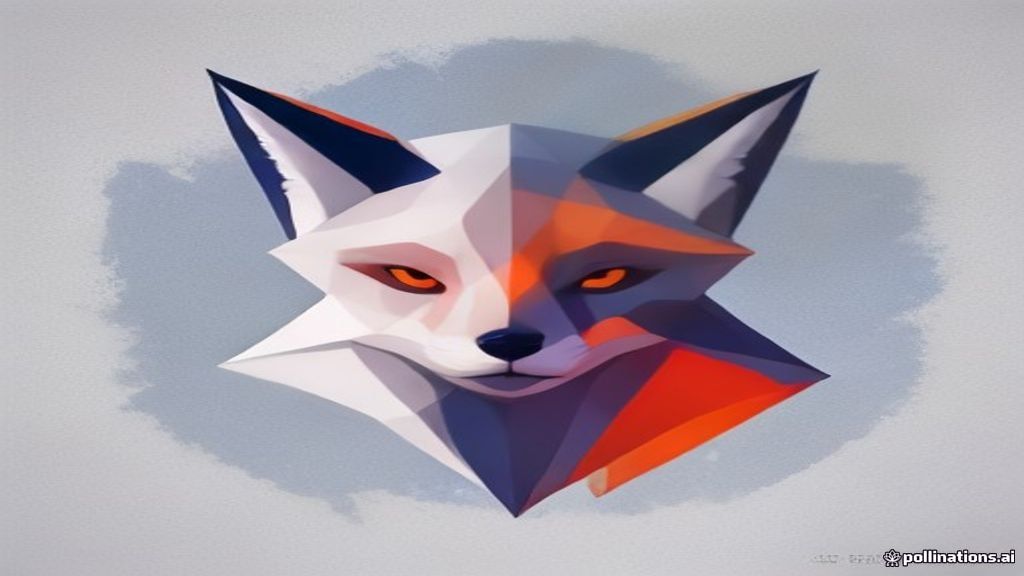
Best when you want something no template can give you. A general AI image tool can design a “fox holding a paintbrush, flat vector, mint green background” from scratch — far more original than template-based generators. The catch: you provide the direction, then clean up edges and create real vector files yourself (or ask an AI vectorizer).
- Free: partial (trial credits), then subscription.
- Best for: distinctive, bespoke concepts that break the “AI logo” look.
- Watch out: you’re doing the art direction and file prep. Pair it with tools from our Best AI Tools for Graphic Designers in 2026 guide to finish the job.
6. DesignEvo (free tier)
Best for icon-heavy logos with lots of choice. DesignEvo offers a large library of symbols and a free tier that lets you edit and download a small-format logo. You pick an icon, add text, style it, and export — no AI prompts required, more of an assisted template tool.
- Free: basic editing + small downloads.
- Best for: simple flat logos with a clear icon.
- Watch out: premium icons and high-res files sit behind a plan.
7. Zarla (free previews)
Best for trying many ideas cheaply. Zarla generates logo concepts from your business name and industry, and lets you preview and iterate. You buy only when you’re happy — good for low-stakes projects like a side hustle or a class project.
- Free: unlimited previews; pay for downloads.
- Best for: comparing many directions quickly.
- Watch out: you don’t own the files until you buy.
Free AI logo generator: quick pick
| Need | Tool |
|---|---|
| Total budget $0 | Hatchful |
| Most control before paying | Looka |
| Speed inside a familiar editor | Canva AI Logo Maker |
| Modern minimal mark | Brandmark |
| Fully original concept | Midjourney / DALL-E 3 (see our Midjourney vs DALL-E 3 comparison) |
| Icon library with lots of options | DesignEvo |
| Trying many ideas cheaply | Zarla |

Should you ever pay?
For client-ready delivery, premium marketplaces save hours: GraphicRiver offers logo templates and brand kits with full commercial licensing.
Pay when you need the files (SVG can be scaled and edited forever) and a commercial license for real client work. Free tiers are perfect for: testing a brand direction, a personal project, or a placeholder while a professional logo is being designed. Rule of thumb — start free, and only upgrade when the logo actually goes into products, signage, or a client deliverable.
Final tip for AI logos
Great logos come from great briefs. Give any tool a specific prompt: “round badge with a lighthouse and waves, flared serif, navy and gold” beats “a logo for my business” every time. Iterate on the concept, then refine the vector file — your brand will look crafted instead of generated.
Disclosure: this post contains affiliate links. If you buy through them, we may earn a commission at no extra cost to you. See our Affiliate Disclosure.
Image credits: abstract renders on Unsplash (Unsplash License).