Warning: file_get_contents(https://jk-studio-dev.com/wp-content/themes/jk-studio-dev/json/melady-wp.json): failed to open stream: HTTP request failed! HTTP/1.1 404 Not Found in /home/mamedtmq/public_html/wp-content/themes/melady/jkd-theme-dashboard/jkdevkit/class-jkdevkit.php on line 2296

Sharing is caring!

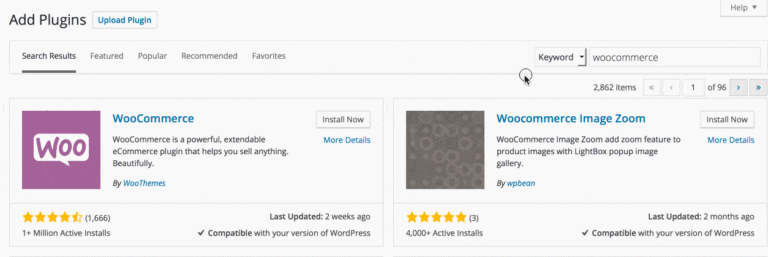
WordPress Plugins are utilities which provide additional functionality to your application. To install a WordPress plugin you just need to put the plugin files into the wp-content/plugins directory. Once a plugin is installed, you may activate it or deactivate it from the Plugins menu in your WP administration.

In this tutorial, i will show you how to install a WordPress plugins.

Continue Reading...

Leave a Reply

Your email address will not be published. Required fields are marked *

Hello, my name is Mahmoud Ameara the owner and founder of mameara.com it is a blog that I share web and graphic design, resources tutorials, and freebies.
Links
Partner Links
mameara © 2010 – 2024