
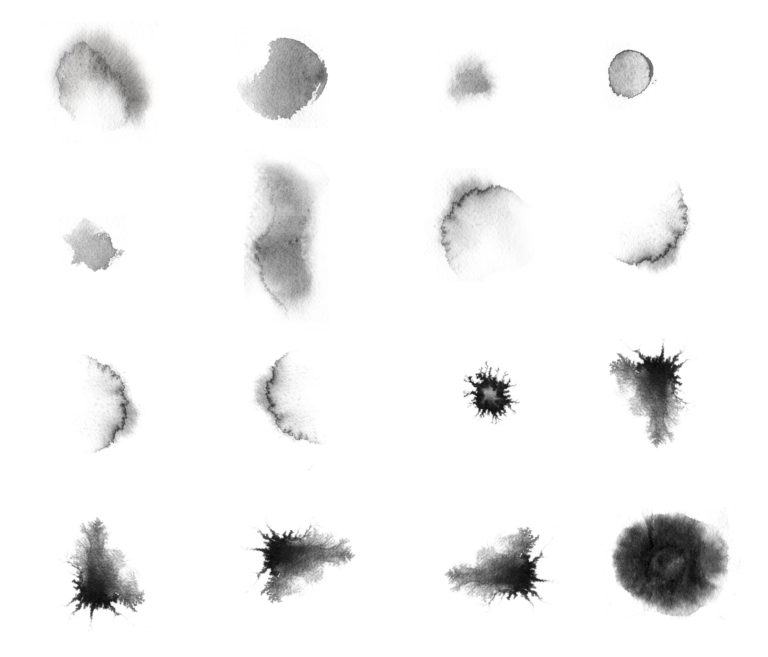
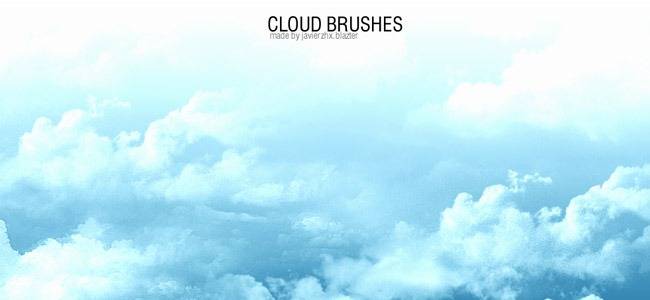
About 800 free Photoshop brushes in eight downloads — watercolour, grunge, smoke, light, floral, spray, clouds and patterns. Pick a set and start painting; the short guide under the downloads explains what to check first.
Download the brush sets



Free textures to use with them


Before you paint: three quick checks
- Size ceiling. Paint at full size on a 4000px canvas. If the stroke blurs, the set was made small.
- Pressure curve. Opacity should climb smoothly with pressure — if it jumps from clear to solid, the set was converted from flat PNG stamps.
- Licence. Check the set’s page before client work: “free” is not always commercial use.
How to install
- Download the .abr file.
- Photoshop: Edit → Presets → Preset Manager, or double-click the .abr with Photoshop closed.
- Brush panel → Brush settings → Import brushes.
Three habits that keep brushes from looking cheap
- Start at 15% opacity. Texture at full strength reads as a filter.
- Screen for light, Multiply for texture. Normal is almost never right.
- Vary size and rotation. The same stamp repeated is the giveaway.
FAQ
Do these work in Procreate or Affinity?
ABR imports into Affinity Photo and recent Procreate versions, but pressure curves often drop. Test on a copy first.
Are they free for client work?
Check each set’s licence on its own page — most archive sets allow commercial use, a few are personal only.
Which set should I start with?
Watercolour for soft, organic work; the grunge collection for texture on finished artwork; smoke when you need depth behind a subject.
All designs remain the property of their creators. If you own one and want it removed, contact us.
SponsoredDreamstimeRoyalty-free photos, vectors and illustrations for your projects.Browse library →
